AI Dissolve Effect: Turn to Dust From One Photo
Crumble into drifting dust in one cinematic shot.
See Dissolve in 4 seconds

Upload one photo, tap Create, and get a 4-second video you can post. New accounts get free credits that cover one effect.
Sign up to try DissolveSee What You Can Create
More one-photo effects
 Before
Earth Zoom Out
 Before
Levitate
 Before
AI Hug
How It Works in 3 Steps
Upload one photo
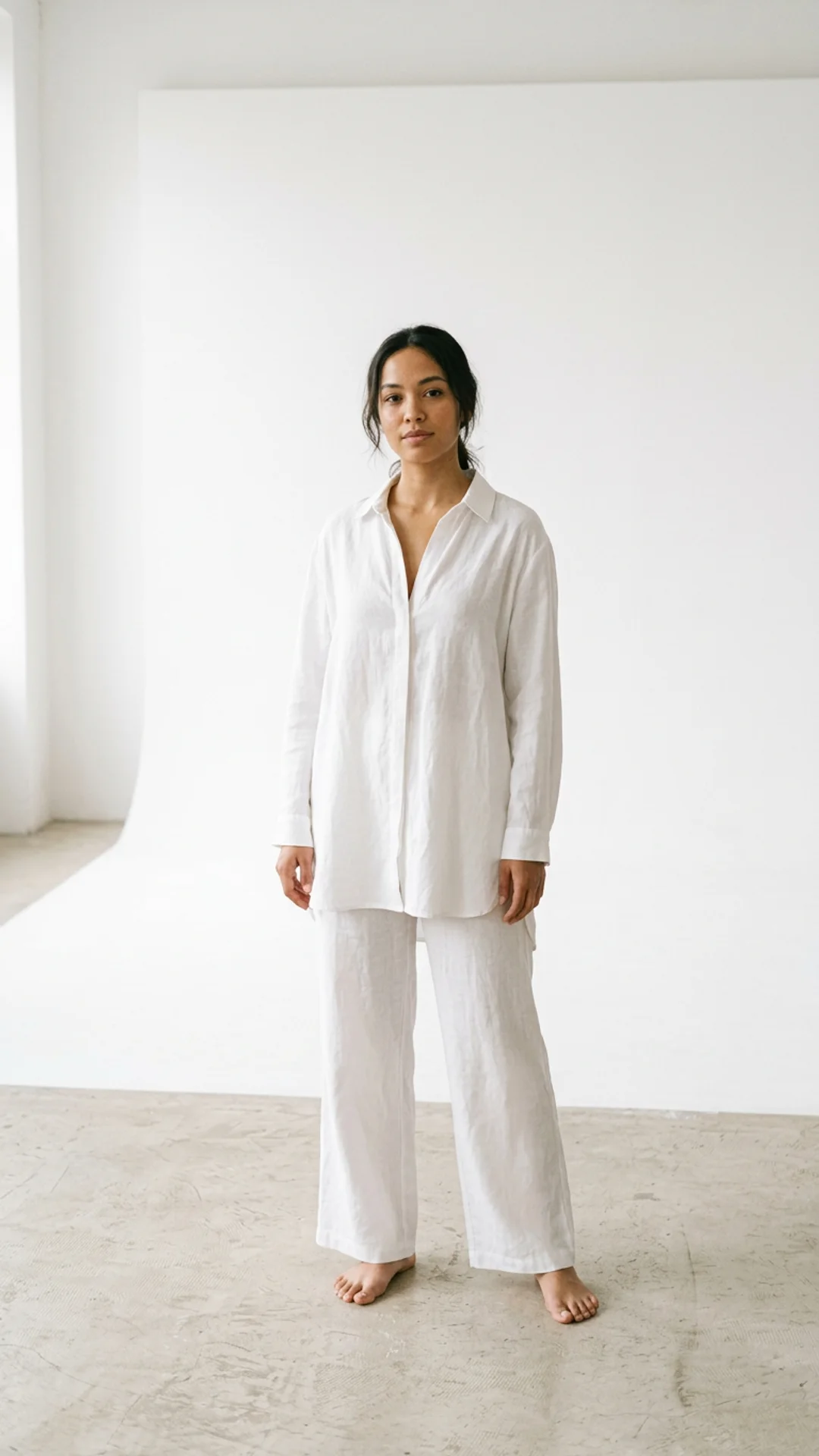
A clear photo with the face visible. No prompts to write.
Tap Create
The effect is already written. A safety check runs on the photo first.
Download and post
Get a 4-second vertical video for Reels, TikTok and Shorts.
Explore More AI Image Tools
Transform your photos with our full suite of AI editing tools
Style Transfer
Apply the artistic style of one image onto another
Background
Remove or replace backgrounds with AI
AI Filters
Apply AI art styles with one tap
Upscale
Enhance & upscale images 2x or 4x
Color Grade
Transfer color palette from a reference photo
Reimagine
Describe changes and AI transforms your photo
Replace object
Swap an object in your photo with another
Remove object
Remove an object and fill in the scene
Product in hand
Place a product naturally in a person's hand
Place product
Place a product into a scene with matching lighting
Expand image
Extend a photo to fill a new aspect ratio without cropping the subject.
Relight photo
Change the lighting mood of a photo without touching the pose or background.
Virtual try-on
Put any garment on your subject without a photoshoot.
Face swap
Swap in a different face while keeping pose, outfit, and background.
Turn edits into an AI Influencer
Create a persona, generate on autopilot, and manage content in one place.
Frequently Asked Questions
What is the AI dissolve to dust effect?
A cinematic effect where the person in your photo breaks apart into fine dust that drifts away on the wind.
Does the dissolve effect use a movie character?
No. It is an original effect with no film characters or logos, applied to your own photo.
What photo works best for the dissolve effect?
One person against a simple background, so the drifting dust stays visible.
What does an effect cost?
New accounts get free credits that cover one effect. One more effect costs one small credit pack, and failed runs are refunded.