Winter gift giver getaway chase comedy video
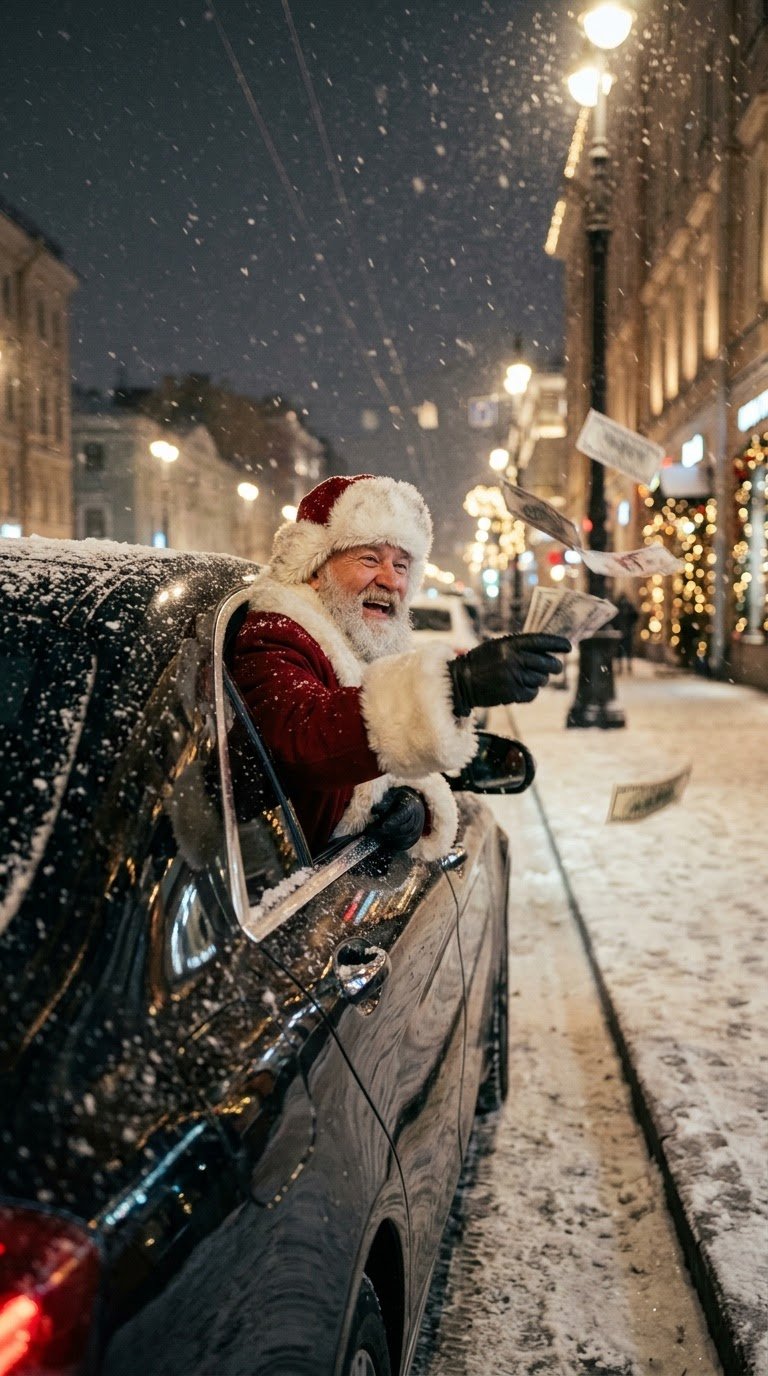
A fast-cut holiday heist parody with a fisheye doorbell-camera look, snowy streets and a red-coated hero who throws cash and escapes. Suits festive meme edits and comic reels starring you.
The recipe
This is the text the video is made from. Sign up and it opens in the tool, ready to run with your photo.
Vertical dark-comedy winter heist parody, shot as a rapid sequence of cuts in one ultra-wide circular fisheye look with strong barrel distortion and a dark vignette, shown as a horizontal band with black space above and below, like a doorbell camera. The main character is the person in the reference photo, keeping their face, skin tone, hair, beard if any and build, dressed in a long red coat with thick white fur trim, a red fur hat, red trousers, winter boots and chunky gold jewelry. Same costume in every cut. Cool snowy night, warm string lights, gritty handheld feel. From second 0 to 3, he leans from a black sedan and throws a fan of banknotes toward the lens, two friends in festive hats behind him, then an overhead shot of the car racing down a snowy road, notes fluttering out. From second 3 to 7, an abandoned sleigh full of gifts, reindeer with lights on their antlers, then elves in green outfits running a money press and wrapping cash in red gift paper. From second 7 to 11, a crane lowers an SUV onto a suburban roof; he sips a cola-style drink in the cab and laughs. From second 11 to 15, he sneaks into a bedroom, a party popper bursts, the couple wakes and one swings a pillow as he dashes away. From second 15 to 20, a getaway through snowy streets, a police car left smoking beside the road, and the sedan fading into the distance. No text, no injuries.
The idea in one frame
Free: a preview picture of you in a video swap, made from your own photo. Videos and every other tool run on a credit pack.
How It Works in 3 Steps
Step 1
Open the recipe. The fisheye style, the cut timing and the settings are already filled in.
Step 2
Use a clear, well-lit portrait photo; the costume is described in the prompt, so the photo only needs to show the face.
Step 3
Start the video, then adjust the length or ratio if you want fewer cuts.
Explore More AI Image Tools
Transform your photos with our full suite of AI editing tools
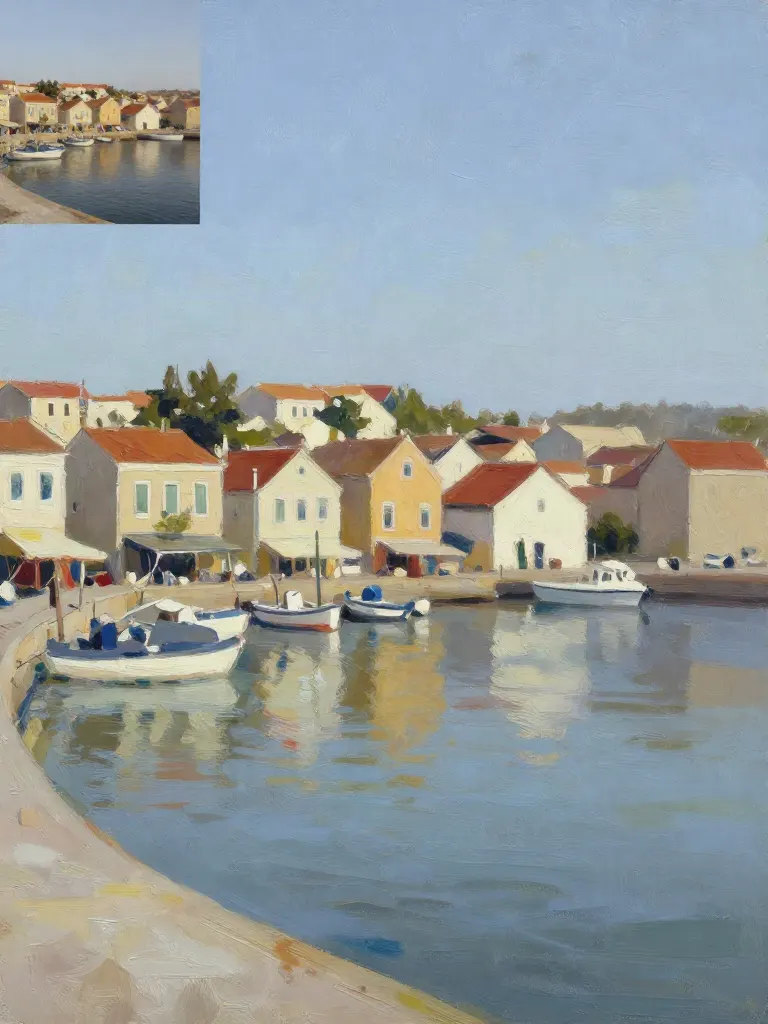
Copy art style (Style transfer)
Upload a photo and a style picture, get your photo repainted in that style.
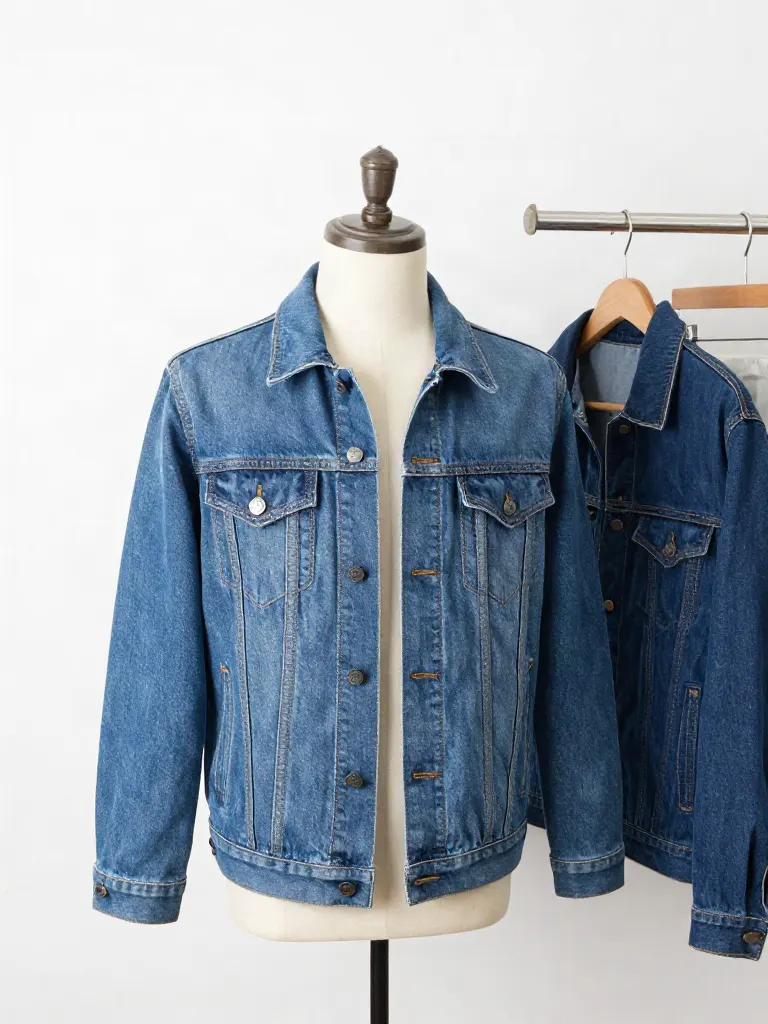
Try on clothes (Try-on)
Upload a person, add a garment photo or describe one, get them wearing it.
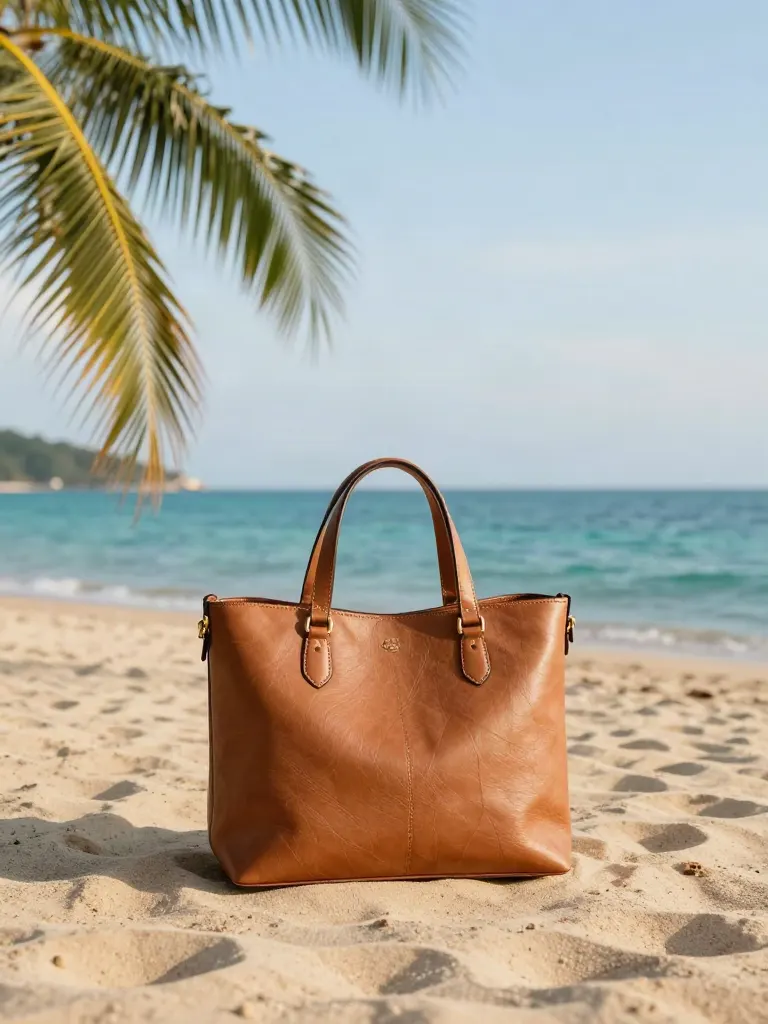
Change background
Upload a photo, get the background removed or swapped for a scene.

AI filters
Pick an art style, get your photo repainted in it.
Sharper photo (Upscale)
Upload a blurry photo, get a sharper, cleaner one.
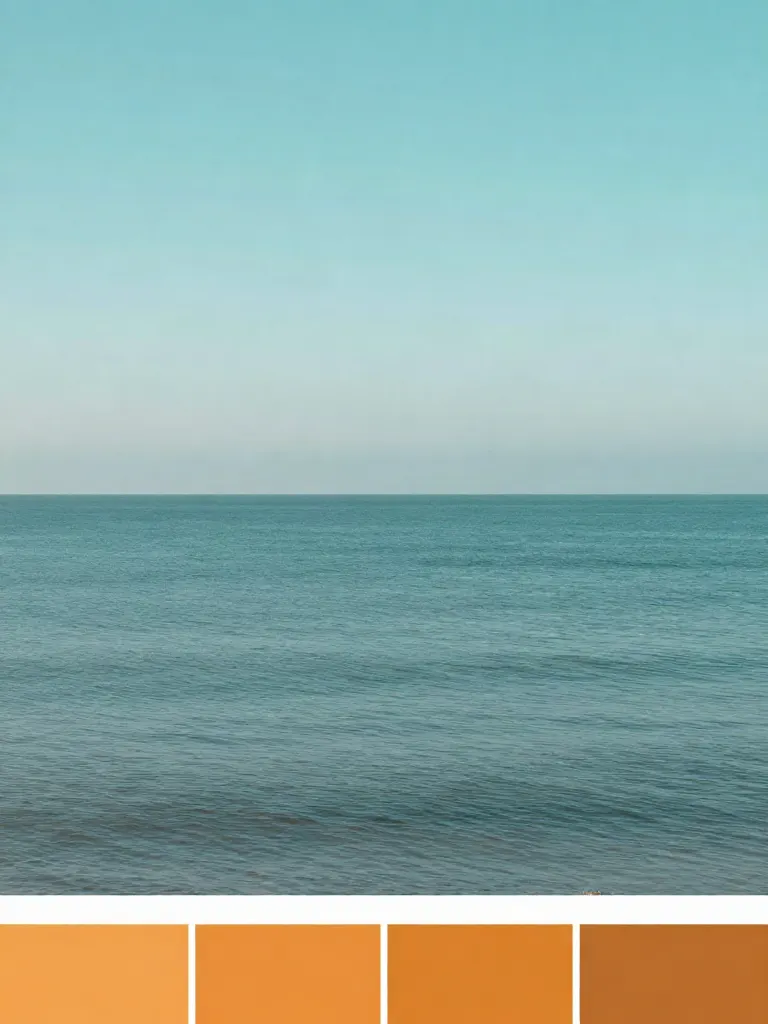
Copy photo colors (Color grade)
Upload a photo and a color reference, get the same color mood.

Edit with a prompt (Reimagine)
Upload a photo and describe a change, get it transformed.
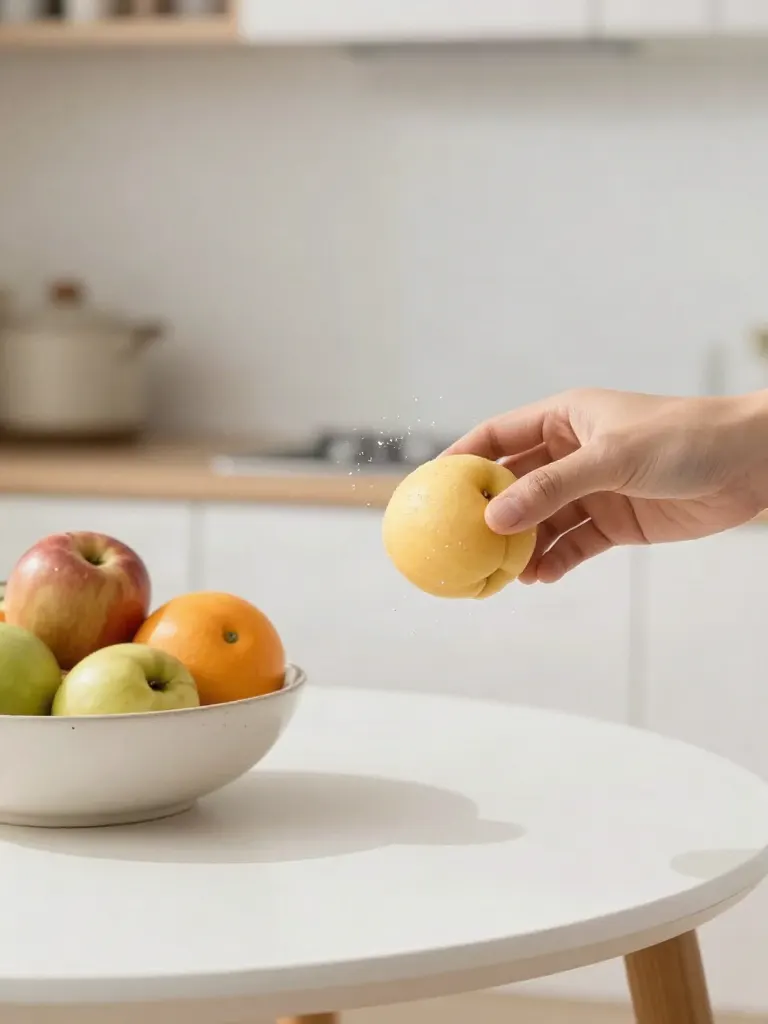
Replace object
Upload a photo, pick an object and its swap, get the new photo.
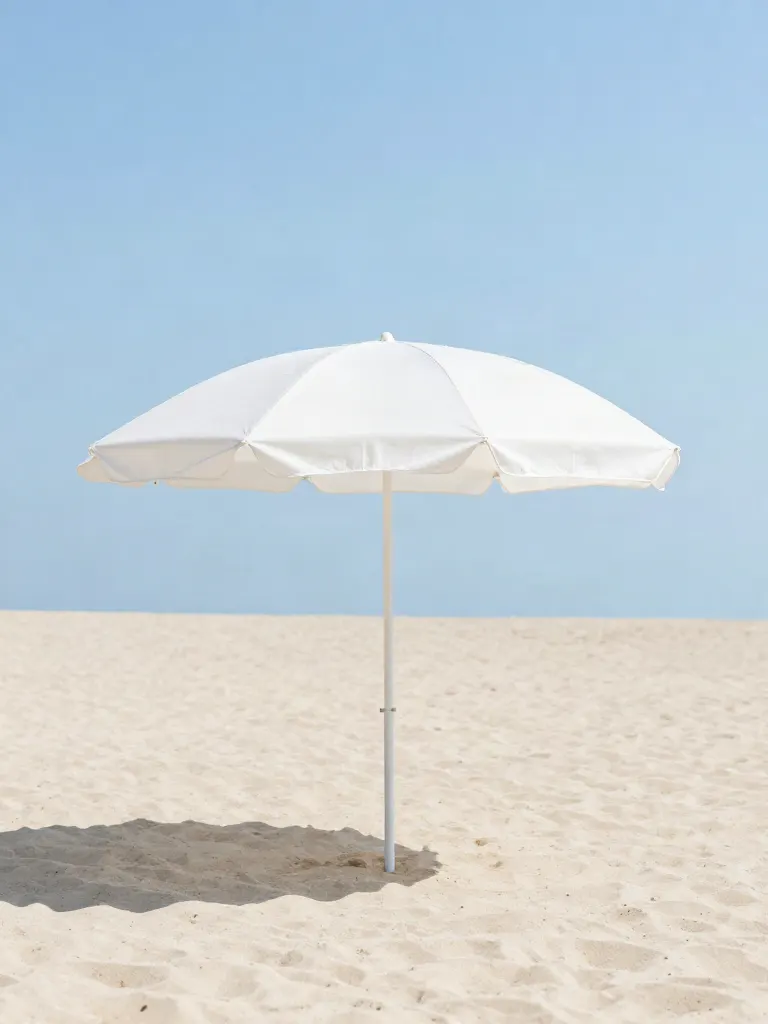
Remove object
Upload a photo, mark an object, get it gone with the gap filled in.
Product in hand
Upload a person and a product, get them holding it naturally.
Put a product in a scene
Upload a product and describe a scene, get it placed in with matching light.

Expand image
Upload a photo, pick any size, then fill the new edges with AI, crop, or blur fill.
Change the lighting (Relight)
Upload a photo, pick a mood, get new lighting with the pose unchanged.
Face swap
Upload a photo and a face, get that face on the photo.
Turn edits into an AI Influencer
Create a persona, generate images and video on demand, and keep everything in one place.
Frequently Asked Questions
What is the Winter Gift Giver Getaway Chase video?
A fast-cut holiday heist parody with a fisheye doorbell-camera look, snowy streets and a red-coated hero who throws cash and escapes. Suits festive meme edits and comic reels starring you.
What does a trend cost?
Each run is priced in credits and the price shows before you start. Pay per run with a credit pack. See the examples first. Failed runs are refunded.