Street jazz slow dance in the snow video
A couple stops for a street jazz band on a snowy evening and shares a slow dance as passersby gather. Fits anniversary clips, holiday greetings and romantic story edits.
The recipe
This is the text the video is made from. Sign up and it opens in the tool, ready to run with your photo.
A loving couple stops at a snowy street corner on a dark winter evening, styled as a warm nineties romantic comedy. Keep both faces and outfits exactly as in the reference images. She has big glossy blowout hair, small pearl earrings and flushed cheeks; he has swept-back hair, black leather gloves and a charming grin. Snowflakes settle on their coats and their breath shows as faint steam. A street jazz quintet of elderly players bundled in long wool overcoats, with scarves and red festive hats, performs under a zigzag canopy of warm garland lights: upright bass, saxophone, trumpet, brushed snare and small accordion, an open instrument case on the snow. Shop windows glow, fir trees wear fairy lights, yellow taxis pass, and smiling passersby slow down and form a loose half-circle. From second 0 to 6, a wide shot reveals the band and the couple pausing to listen. From second 6 to 12, he bows and offers his hand; she laughs, a little shy, and accepts. From second 12 to 20, a circling stabilized camera follows their slow dance on the snowy sidewalk, soft telephoto close-ups full of golden bokeh. From second 20 to 25, the crowd applauds, the pair share a forehead touch, and the camera rises slowly over the garlands as snow keeps falling. Light: practical warm tungsten, cool blue snow shadows. Style: nostalgic film grain. Sound: live jazz, soft applause, bells.
See it move
Free: a preview picture of you in a video swap, made from your own photo. Videos and every other tool run on a credit pack.
How It Works in 3 Steps
Step 1
Open the recipe: the prompt, vertical ratio and length are filled in.
Step 2
Use clear face photos of both partners; you can swap the coat colors or the band instruments in the prompt.
Step 3
Start the video, and shorten the length or change the ratio if you want a quick version.
Explore More AI Image Tools
Transform your photos with our full suite of AI editing tools
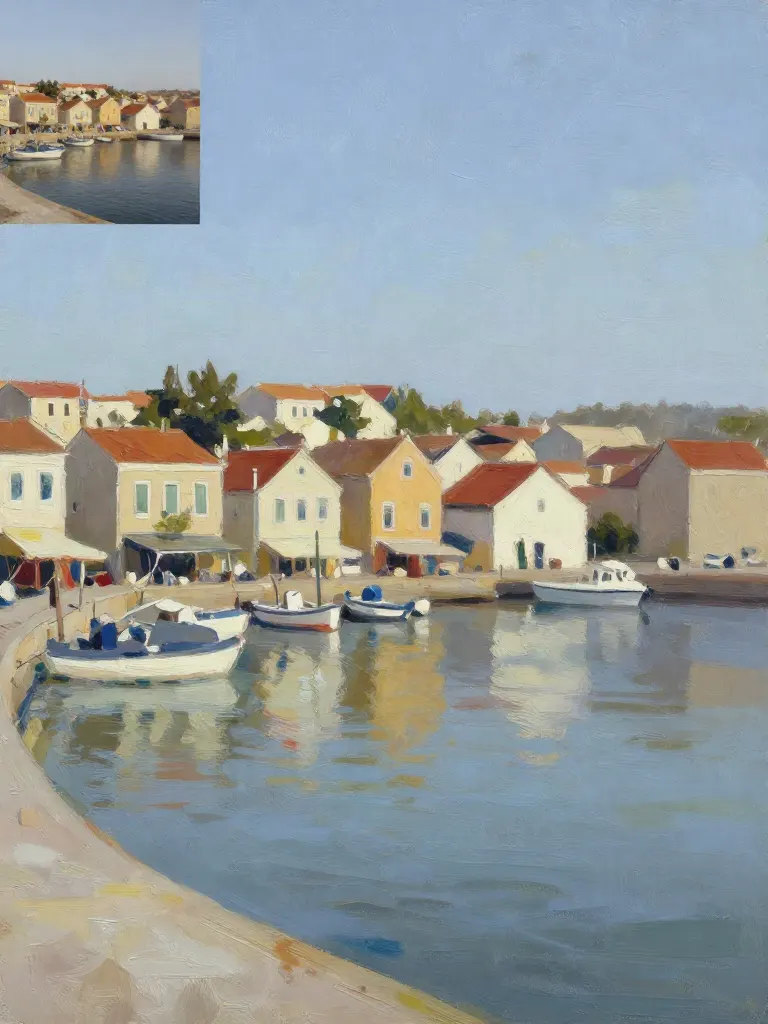
Copy art style (Style transfer)
Upload a photo and a style picture, get your photo repainted in that style.
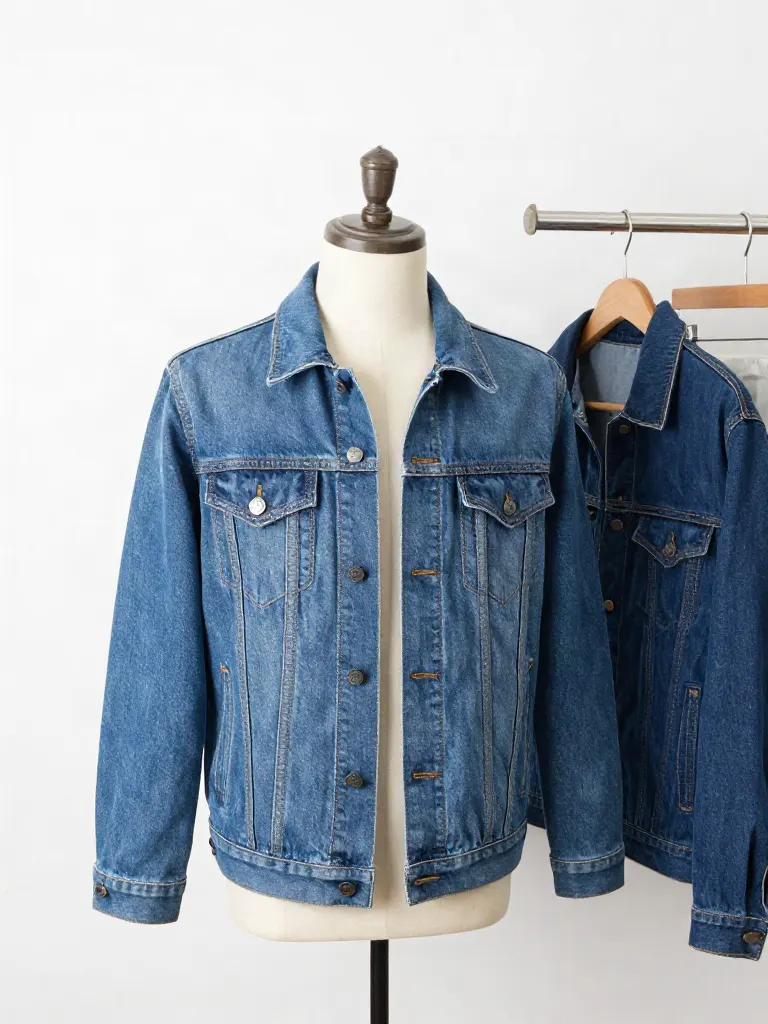
Try on clothes (Try-on)
Upload a person, add a garment photo or describe one, get them wearing it.
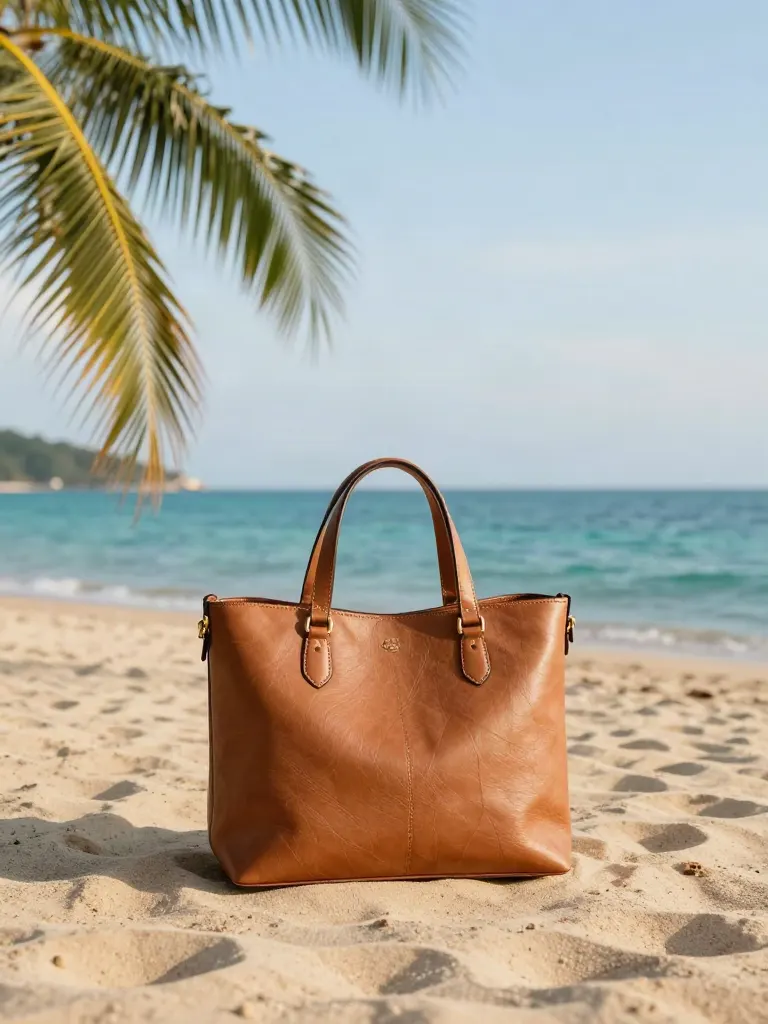
Change background
Upload a photo, get the background removed or swapped for a scene.
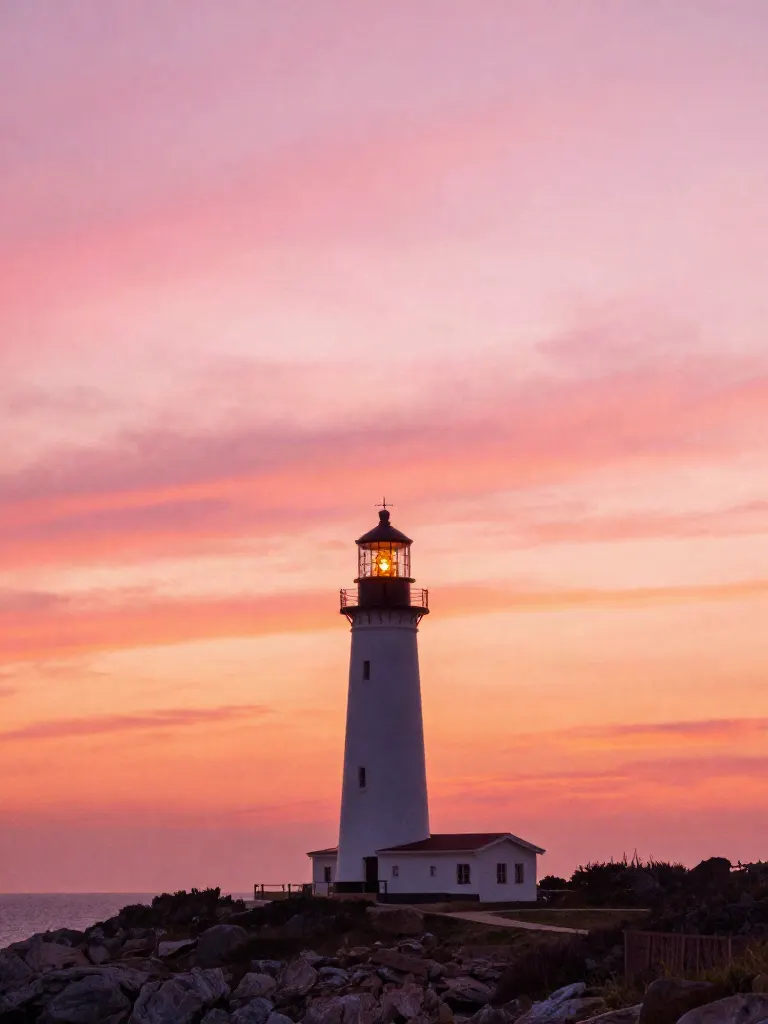
AI filters
Pick an art style, get your photo repainted in it.
Sharper photo (Upscale)
Upload a blurry photo, get a sharper, cleaner one.
Copy photo colors (Color grade)
Upload a photo and a color reference, get the same color mood.

Edit with a prompt (Reimagine)
Upload a photo and describe a change, get it transformed.
Replace object
Upload a photo, pick an object and its swap, get the new photo.
Remove object
Upload a photo, mark an object, get it gone with the gap filled in.
Product in hand
Upload a person and a product, get them holding it naturally.
Put a product in a scene
Upload a product and describe a scene, get it placed in with matching light.
Expand image
Upload a photo, pick any size, then fill the new edges with AI, crop, or blur fill.
Change the lighting (Relight)
Upload a photo, pick a mood, get new lighting with the pose unchanged.
Face swap
Upload a photo and a face, get that face on the photo.
Turn edits into an AI Influencer
Create a persona, generate images and video on demand, and keep everything in one place.
Frequently Asked Questions
What is the Street Jazz Slow Dance in the Snow video?
A couple stops for a street jazz band on a snowy evening and shares a slow dance as passersby gather. Fits anniversary clips, holiday greetings and romantic story edits.
What does a trend cost?
Each run is priced in credits and the price shows before you start. Pay per run with a credit pack. See the examples first. Failed runs are refunded.