Candy drop wakes the pumpkins video
A spooky-sweet vertical clip where a girl drops candy in a pumpkin patch and tiny pumpkin creatures hatch and celebrate. Fits autumn and Halloween posts.
The recipe
This is the text the video is made from. Sign up and it opens in the tool, ready to run with your photo.
A vertical handheld found-footage video, about 30 seconds long, shot at dusk in a dark backyard pumpkin patch. The only person is the young woman in the reference photo: keep her face, hair, clothes and shoes exactly as in the reference, from the first frame to the last. A small drawstring pouch of wrapped sweets hangs on her wrist the whole time. She has found an old crumpled note that says to speak a rhyme and drop candy. From second 0 to 5, she walks out of the dark toward the camera into the glow of one warm yard lamp, then unfolds the note over her shoulder-high hands and reads it, curious and hesitant. From second 5 to 10, from a low ground-level angle she tips a handful of sweets among the big pumpkins and whispers the rhyme, then freezes in silence. From second 10 to 22, the vines tremble, the shells shake and crack, warm orange light spills from the seams, and small carved-face pumpkin creatures squeeze out, tumble and blink at her. Her fear melts into wonder. From second 22 to 30, the creatures grab the candy, hop around her feet and cheer, and she laughs with joy. Shot with hard cuts, shaky phone-style camera, warm lamp light against deep blue twilight, film grain, and soft rumble, rustling leaves and tiny giggles for sound.
See it move
Free: a preview picture of you in a video swap, made from your own photo. Videos and every other tool run on a credit pack.
How It Works in 3 Steps
Step 1
Open the recipe; the prompt, ratio and length are already filled in for you.
Step 2
Use a clear, front-facing photo of one person; an autumn-style outfit looks best in the dusk scene.
Step 3
Start the video, and shorten it or change the ratio if you want a quicker cut.
Explore More AI Image Tools
Transform your photos with our full suite of AI editing tools
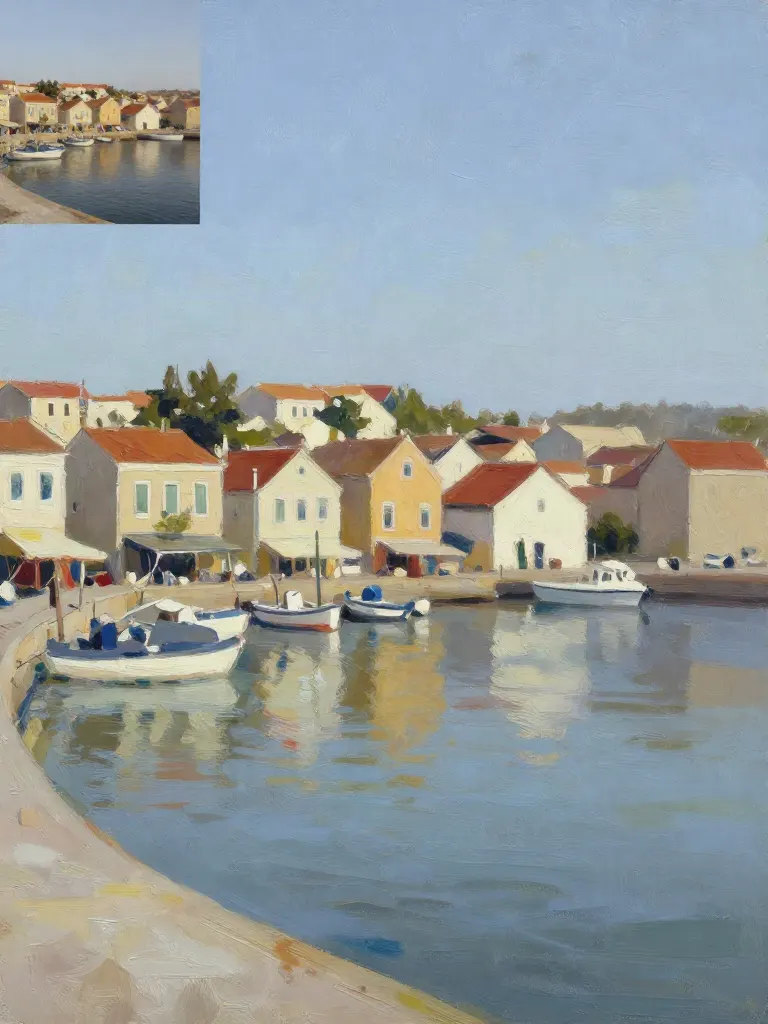
Copy art style (Style transfer)
Upload a photo and a style picture, get your photo repainted in that style.
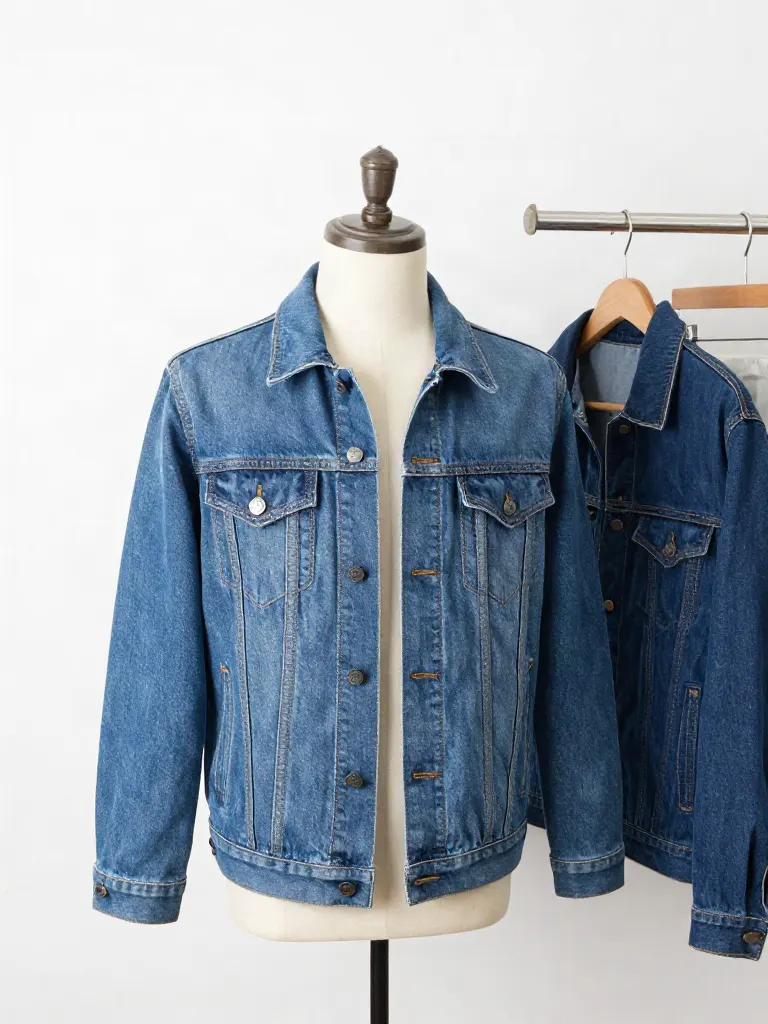
Try on clothes (Try-on)
Upload a person, add a garment photo or describe one, get them wearing it.

Change background
Upload a photo, get the background removed or swapped for a scene.

AI filters
Pick an art style, get your photo repainted in it.
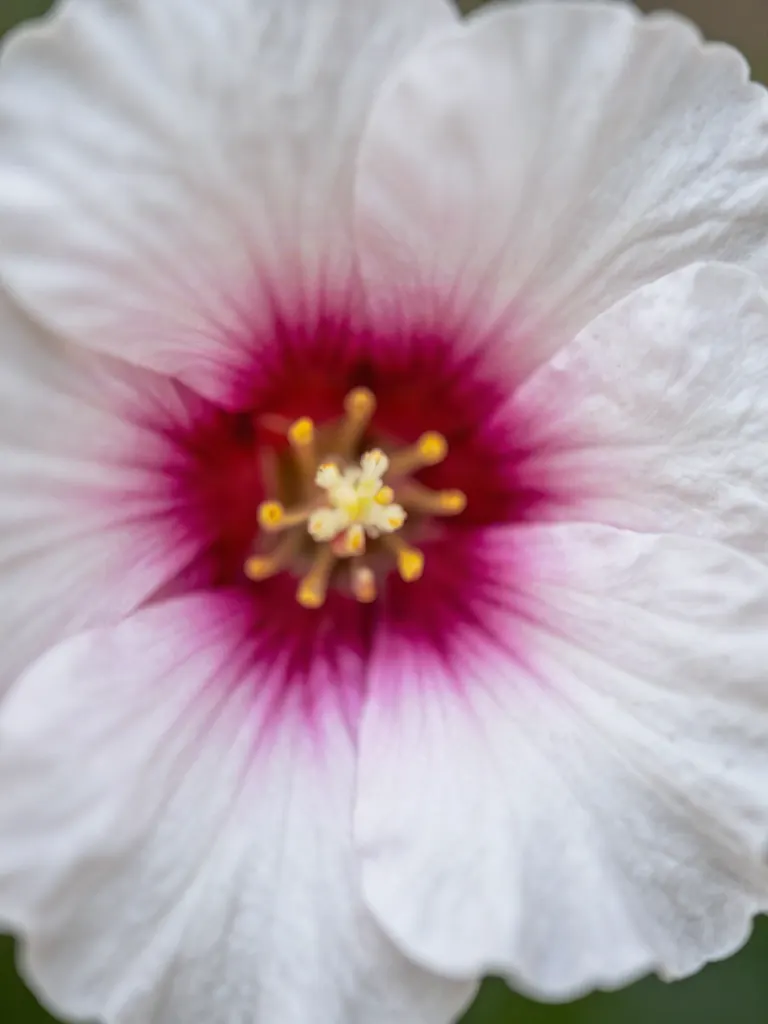
Sharper photo (Upscale)
Upload a blurry photo, get a sharper, cleaner one.
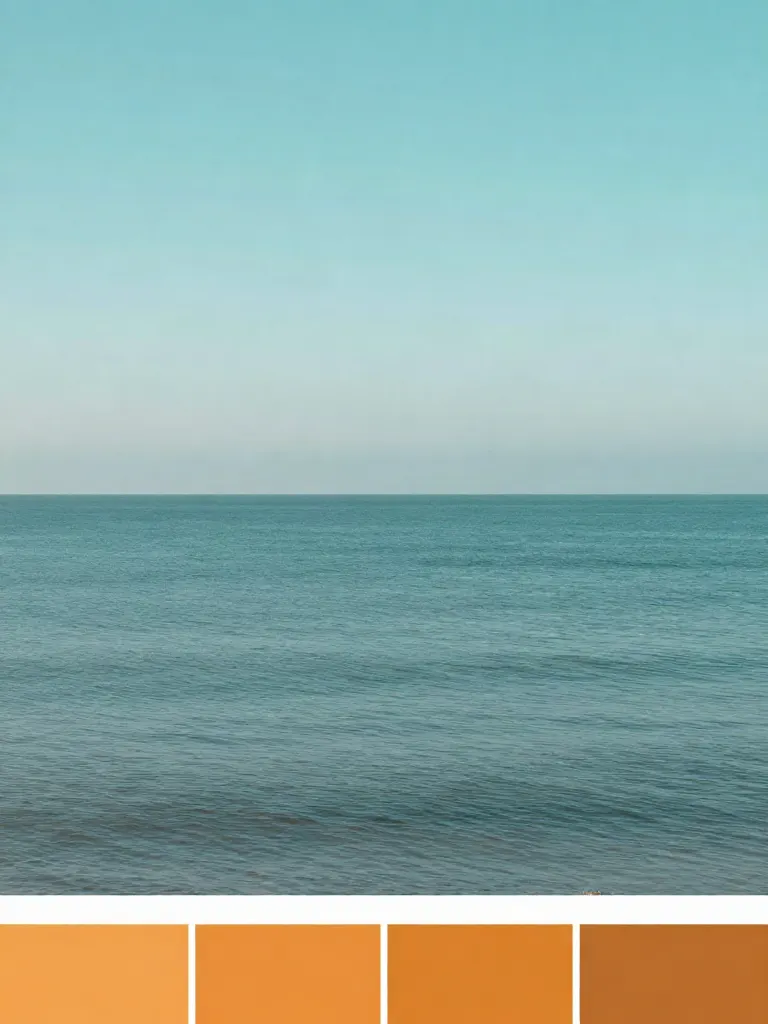
Copy photo colors (Color grade)
Upload a photo and a color reference, get the same color mood.

Edit with a prompt (Reimagine)
Upload a photo and describe a change, get it transformed.
Replace object
Upload a photo, pick an object and its swap, get the new photo.

Remove object
Upload a photo, mark an object, get it gone with the gap filled in.
Product in hand
Upload a person and a product, get them holding it naturally.
Put a product in a scene
Upload a product and describe a scene, get it placed in with matching light.

Expand image
Upload a photo, pick any size, then fill the new edges with AI, crop, or blur fill.

Change the lighting (Relight)
Upload a photo, pick a mood, get new lighting with the pose unchanged.
Face swap
Upload a photo and a face, get that face on the photo.
Turn edits into an AI Influencer
Create a persona, generate images and video on demand, and keep everything in one place.
Frequently Asked Questions
What is the Candy Drop Wakes the Pumpkins video?
A spooky-sweet vertical clip where a girl drops candy in a pumpkin patch and tiny pumpkin creatures hatch and celebrate. Fits autumn and Halloween posts.
What does a trend cost?
Each run is priced in credits and the price shows before you start. Pay per run with a credit pack. See the examples first. Failed runs are refunded.