Neighbour window zoom gag video
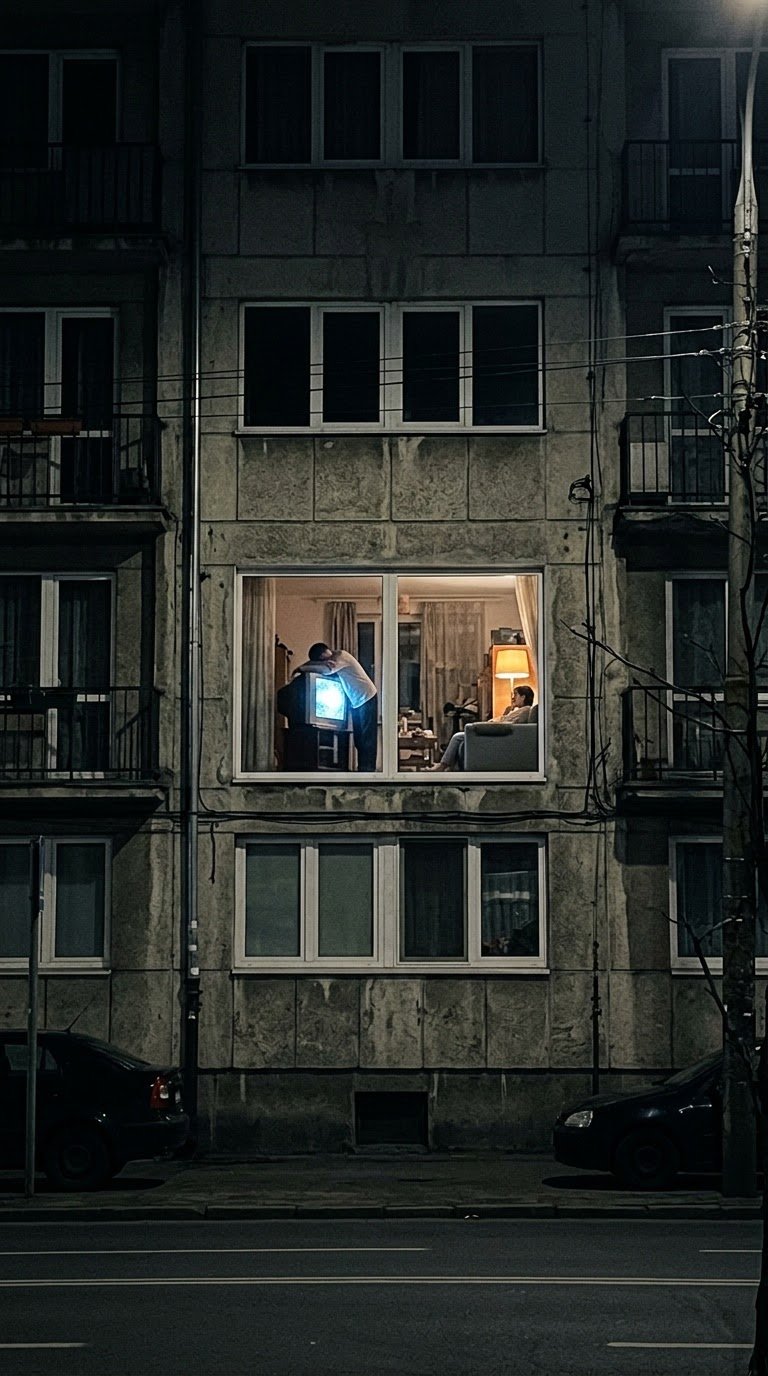
A funny night clip filmed from across the street: one person hugs the TV while their partner sits with a holey sock. Fits gamer humour, couple skits and relatable short reels.
The recipe
This is the text the video is made from. Sign up and it opens in the tool, ready to run with your photo.
A raw, comedic vertical 9:16 night video, fifteen seconds, one continuous handheld take with no cuts, filmed on a phone from the building across the street using extreme digital pinch-zooms. Use the person in the first reference photo as the gamer and the person in the second reference photo as the seated partner, keeping each face, hair, build and outfit. The third reference image fills the large TV screen as a bright glowing picture and never changes. Scene: a grey concrete apartment block at night, one two-pane window glowing warm in the middle of a dark facade. In the left pane, a flat TV on a low cabinet; in the right pane, a grey sofa with a floor lamp behind it. From second 0 to 2, a wide view of the dark building with the lit window, then a stepped zoom pushes in fast. From second 2 to 5, the camera drifts onto the left pane as the gamer, grinning with a controller in hand, hurries toward the TV and opens both arms. From second 5 to 8, tight zoom: the gamer hugs the TV and presses a cheek to the screen with eyes closed, blissful. From second 8 to 9, a jerky whip pan right with brief autofocus hunting. From second 9 to 13, the partner on the sofa gives a flat, unimpressed sideways look, then lowers their gaze to a raised foot in a worn grey sock with a big hole, picking at the fabric. From second 13 to 15, a quick zoom pull-out to the whole glowing window. Look: heavy phone zoom softness, grain, glass glare, wobble. Sound: night hiss, muffled footsteps, a soft thud, fabric rubbing. No music or speech.
The idea in one frame
Free: a preview picture of you in a video swap, made from your own photo. Videos and every other tool run on a credit pack.
How It Works in 3 Steps
Step 1
Open the recipe; the vertical format and fifteen-second timeline are loaded for you.
Step 2
Use two separate portrait photos for the two people and one bright, simple picture for the TV screen.
Step 3
Start the video; shorten it if you want a punchier version.
Explore More AI Image Tools
Transform your photos with our full suite of AI editing tools
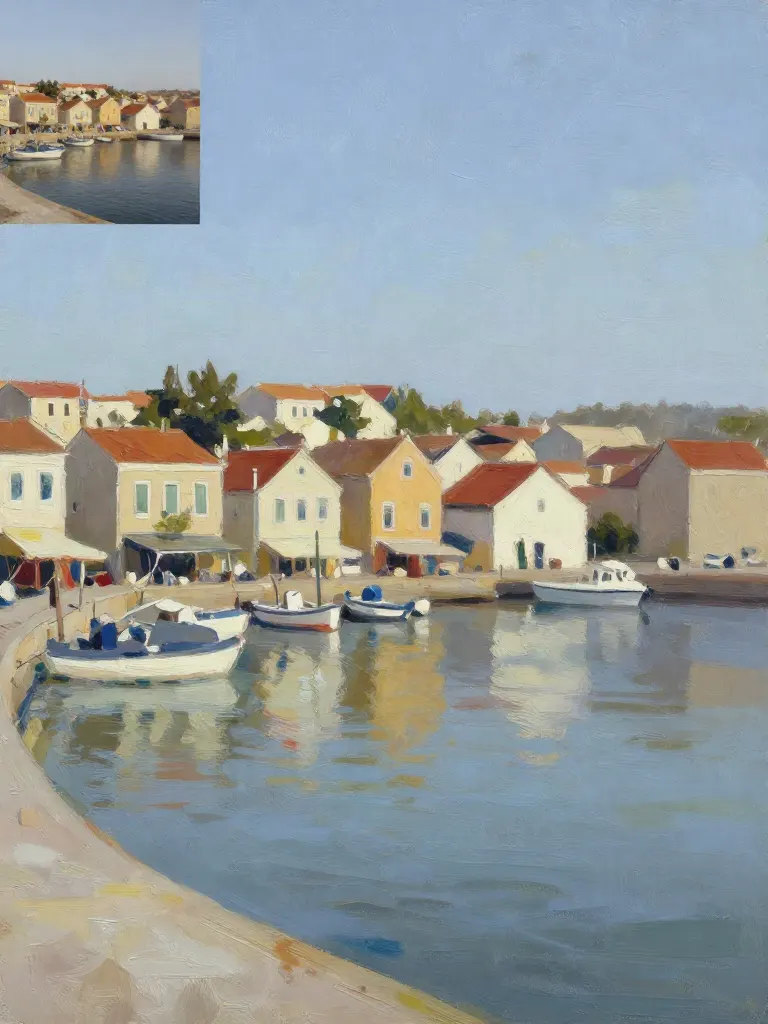
Copy art style (Style transfer)
Upload a photo and a style picture, get your photo repainted in that style.
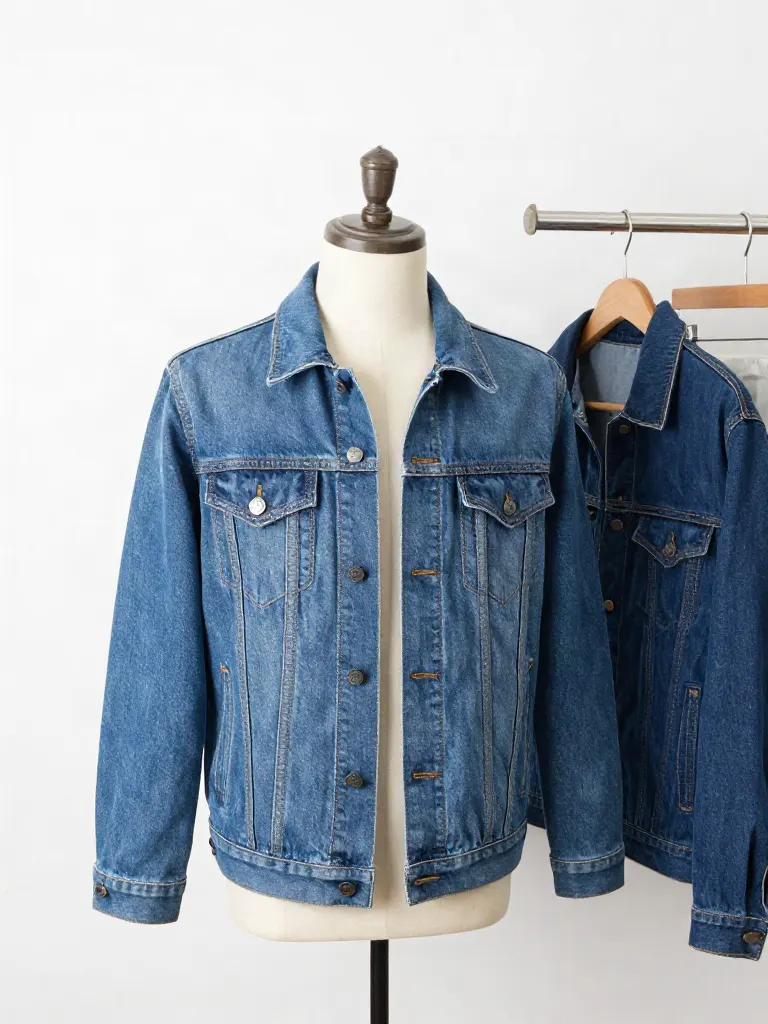
Try on clothes (Try-on)
Upload a person, add a garment photo or describe one, get them wearing it.

Change background
Upload a photo, get the background removed or swapped for a scene.

AI filters
Pick an art style, get your photo repainted in it.

Sharper photo (Upscale)
Upload a blurry photo, get a sharper, cleaner one.
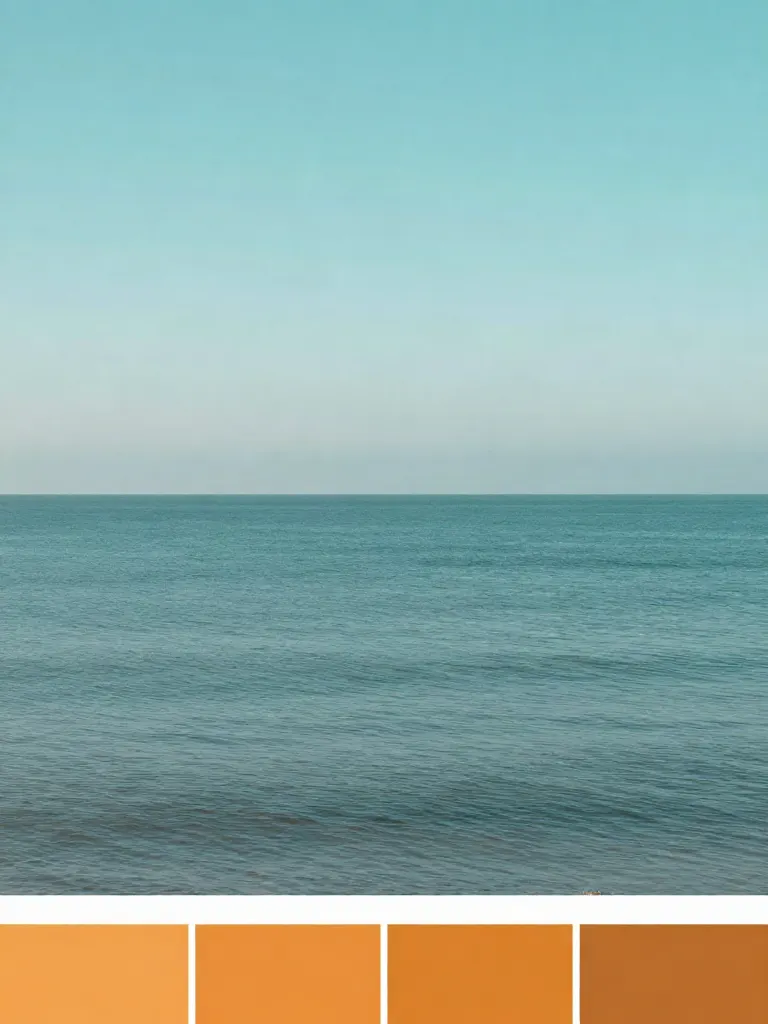
Copy photo colors (Color grade)
Upload a photo and a color reference, get the same color mood.

Edit with a prompt (Reimagine)
Upload a photo and describe a change, get it transformed.

Replace object
Upload a photo, pick an object and its swap, get the new photo.

Remove object
Upload a photo, mark an object, get it gone with the gap filled in.

Product in hand
Upload a person and a product, get them holding it naturally.

Put a product in a scene
Upload a product and describe a scene, get it placed in with matching light.

Expand image
Upload a photo, pick any size, then fill the new edges with AI, crop, or blur fill.

Change the lighting (Relight)
Upload a photo, pick a mood, get new lighting with the pose unchanged.

Face swap
Upload a photo and a face, get that face on the photo.
Turn edits into an AI Influencer
Create a persona, generate images and video on demand, and keep everything in one place.
Frequently Asked Questions
What is the Neighbour Window Zoom Gag video?
A funny night clip filmed from across the street: one person hugs the TV while their partner sits with a holey sock. Fits gamer humour, couple skits and relatable short reels.
What does a trend cost?
Each run is priced in credits and the price shows before you start. Pay per run with a credit pack. See the examples first. Failed runs are refunded.