Motion capture studio makeover video
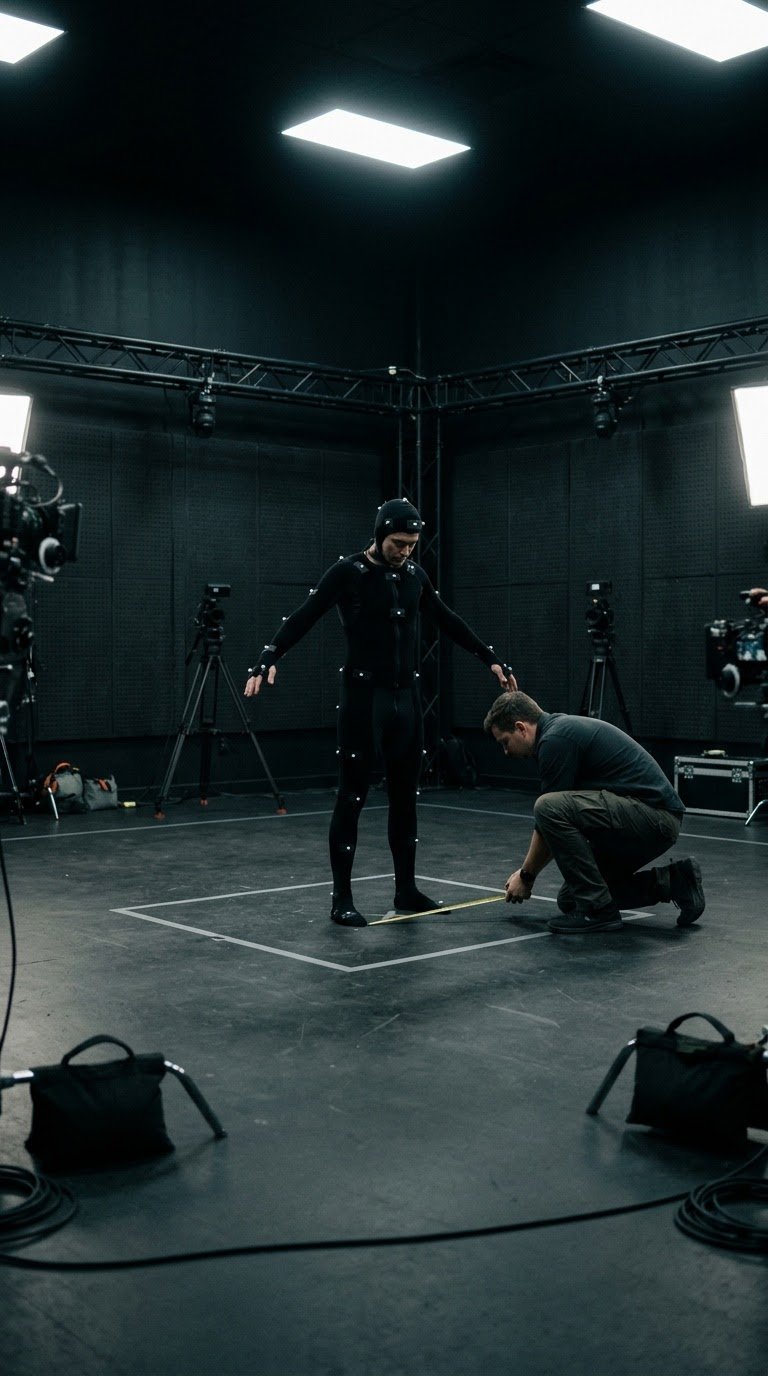
A behind-the-scenes montage of body scanning, markers and measuring in a capture studio that ends on a stylized game-cover illustration of you. Fits creators making transformation reveals and…
The recipe
This is the text the video is made from. Sign up and it opens in the tool, ready to run with your photo.
Fast-paced vertical behind-the-scenes montage in a documentary style, ending with a still illustration. The subject is the person in the reference photo; keep their face, skin tone, hair, apparent age and body shape in every shot, including the final drawing. The setting is a dark motion-capture studio with black acoustic walls, a matte floor, a white taped square, overhead camera rigs, a little haze and computer desks. Soft neutral white LED light only, natural skin tones, no colored accents. The subject wears a tight black capture suit with white round markers. Two or three crew members in dark clothes help. From second 0 to 4, a low wide shot as a kneeling crew member measures the hips, a close-up of a marker pressed onto the shoulder, then a slow orbit as the subject holds a T-pose and looks into the lens. From second 4 to 11, quick cuts of measuring: tape along the arm, around the wrist, across the shoulders, along the torso and the leg, a marker adjusted on the upper back, shallow depth of field. From second 11 to 15, a wide shot as the subject slowly rotates inside the capture space, then monitors showing a clean white 3D body model and a glowing cyan wireframe of the body. From second 15 to 17, a cinematic close-up, the subject glances over the shoulder, turns to the lens and gives a playful, confident look. From second 17 to 20, a hard cut to a static cel-shaded game-cover style illustration of the subject taking a selfie on a sunny tropical marina dock, held until the end. No text or logos.
The idea in one frame
Free: a preview picture of you in a video swap, made from your own photo. Videos and every other tool run on a credit pack.
How It Works in 3 Steps
Step 1
Open the recipe. The studio montage, the cut timing and the settings are already in place.
Step 2
Use a clear, full-body or waist-up photo with your hair visible, since body shape and hair carry into the final drawing.
Step 3
Start the video, then change the length or ratio if you want a shorter montage.
Explore More AI Image Tools
Transform your photos with our full suite of AI editing tools
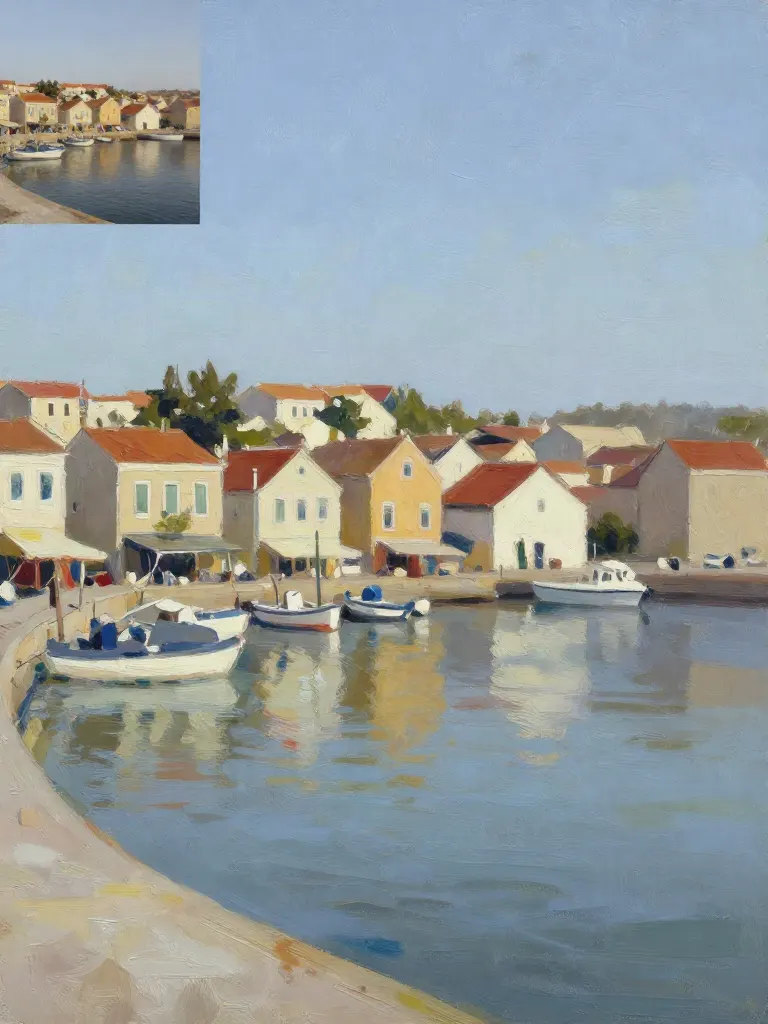
Copy art style (Style transfer)
Upload a photo and a style picture, get your photo repainted in that style.
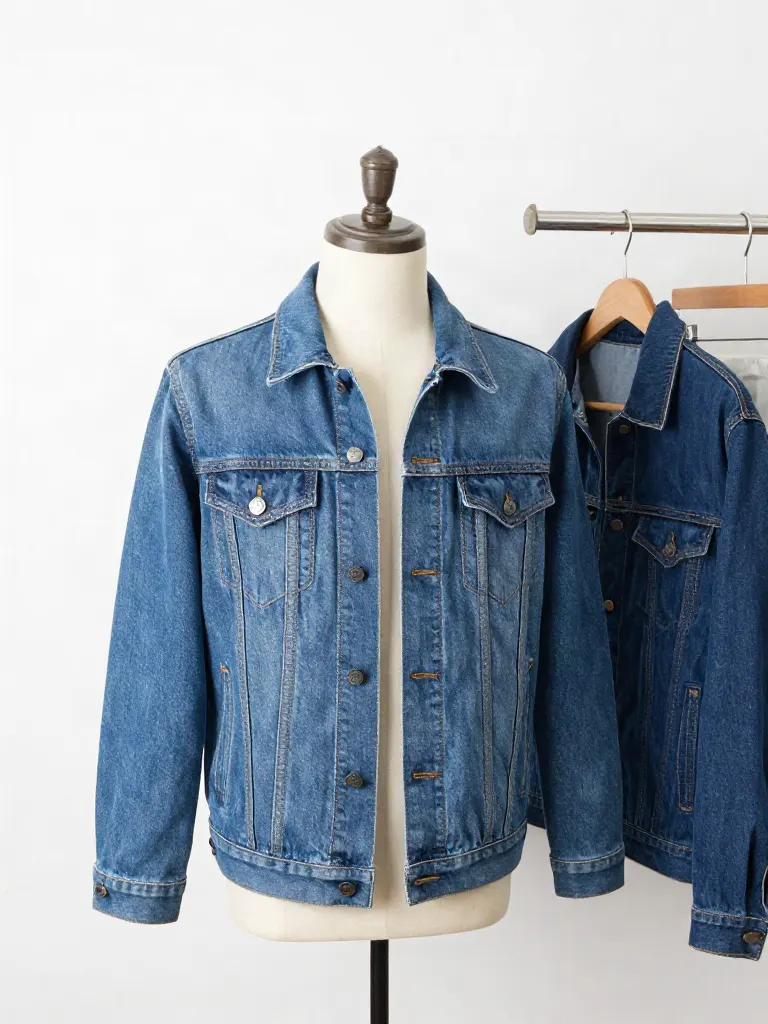
Try on clothes (Try-on)
Upload a person, add a garment photo or describe one, get them wearing it.
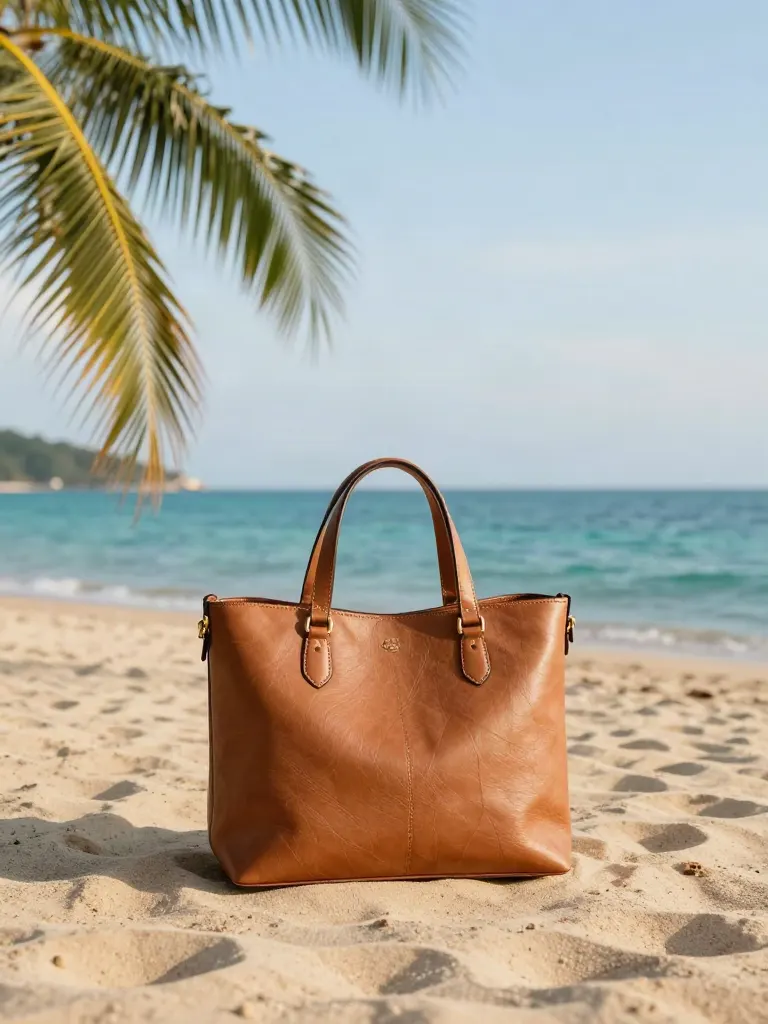
Change background
Upload a photo, get the background removed or swapped for a scene.
AI filters
Pick an art style, get your photo repainted in it.
Sharper photo (Upscale)
Upload a blurry photo, get a sharper, cleaner one.
Copy photo colors (Color grade)
Upload a photo and a color reference, get the same color mood.

Edit with a prompt (Reimagine)
Upload a photo and describe a change, get it transformed.
Replace object
Upload a photo, pick an object and its swap, get the new photo.
Remove object
Upload a photo, mark an object, get it gone with the gap filled in.
Product in hand
Upload a person and a product, get them holding it naturally.
Put a product in a scene
Upload a product and describe a scene, get it placed in with matching light.
Expand image
Upload a photo, pick any size, then fill the new edges with AI, crop, or blur fill.
Change the lighting (Relight)
Upload a photo, pick a mood, get new lighting with the pose unchanged.
Face swap
Upload a photo and a face, get that face on the photo.
Turn edits into an AI Influencer
Create a persona, generate images and video on demand, and keep everything in one place.
Frequently Asked Questions
What is the Motion Capture Studio Makeover video?
A behind-the-scenes montage of body scanning, markers and measuring in a capture studio that ends on a stylized game-cover illustration of you. Fits creators making transformation reveals and character intros.
What does a trend cost?
Each run is priced in credits and the price shows before you start. Pay per run with a credit pack. See the examples first. Failed runs are refunded.