Car Studio Reveal trend: clone it with AI
A film crew shoots an SUV on a blue studio set. Orange leaves pour over the car, then snow falls, and a blonde woman in a light blue blazer smiles at the wheel through the side window. Clone it and you take her seat, in the clothes from your photo. The car, the crew, the set and the effects stay.
The clip you would clone
Free: a preview picture of you in a video swap, made from your own photo. Videos and every other tool run on a credit pack.
- Length
- 10 s
- Quality
- standard
- Price
- 64 credits
Also known as: #carreveal #studio
One clear photo of your face. The clothes in your photo replace the light blue blazer.
Clone thisTo ask for this clip to be removed, write to [email protected].
How It Works in 3 Steps
Sign up and open the clip
Create your account. The Clone this button opens this exact video in the clone screen.
Add one photo of you
Upload a clear photo of your face, or pick a saved character. Use your own face or one you have permission to use.
Check the price, then make it
The price shows before you press the button. Your version appears in Assets when it is ready.
Explore More AI Image Tools
Transform your photos with our full suite of AI editing tools
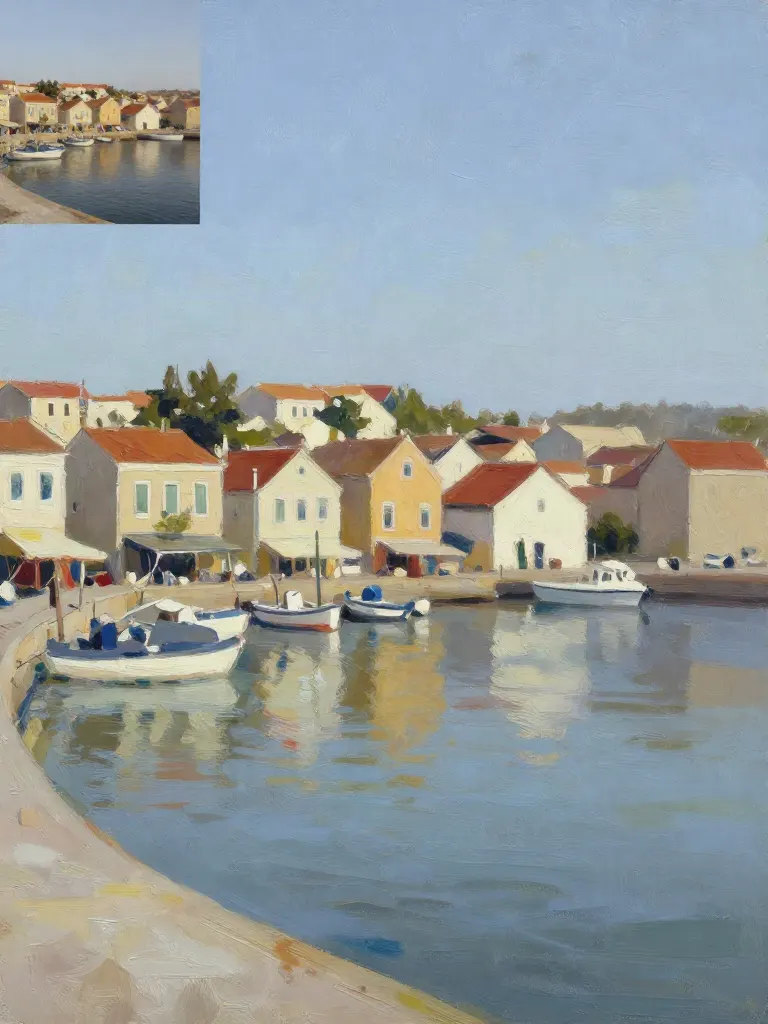
Copy art style (Style transfer)
Upload a photo and a style picture, get your photo repainted in that style.
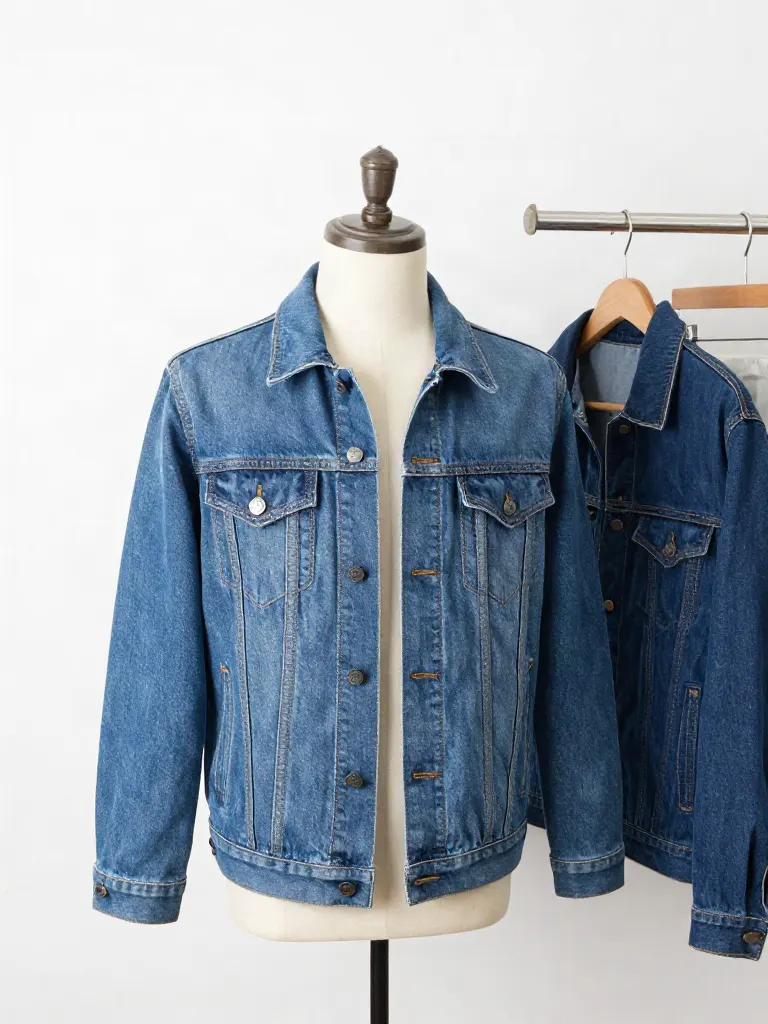
Try on clothes (Try-on)
Upload a person, add a garment photo or describe one, get them wearing it.

Change background
Upload a photo, get the background removed or swapped for a scene.

AI filters
Pick an art style, get your photo repainted in it.

Sharper photo (Upscale)
Upload a blurry photo, get a sharper, cleaner one.
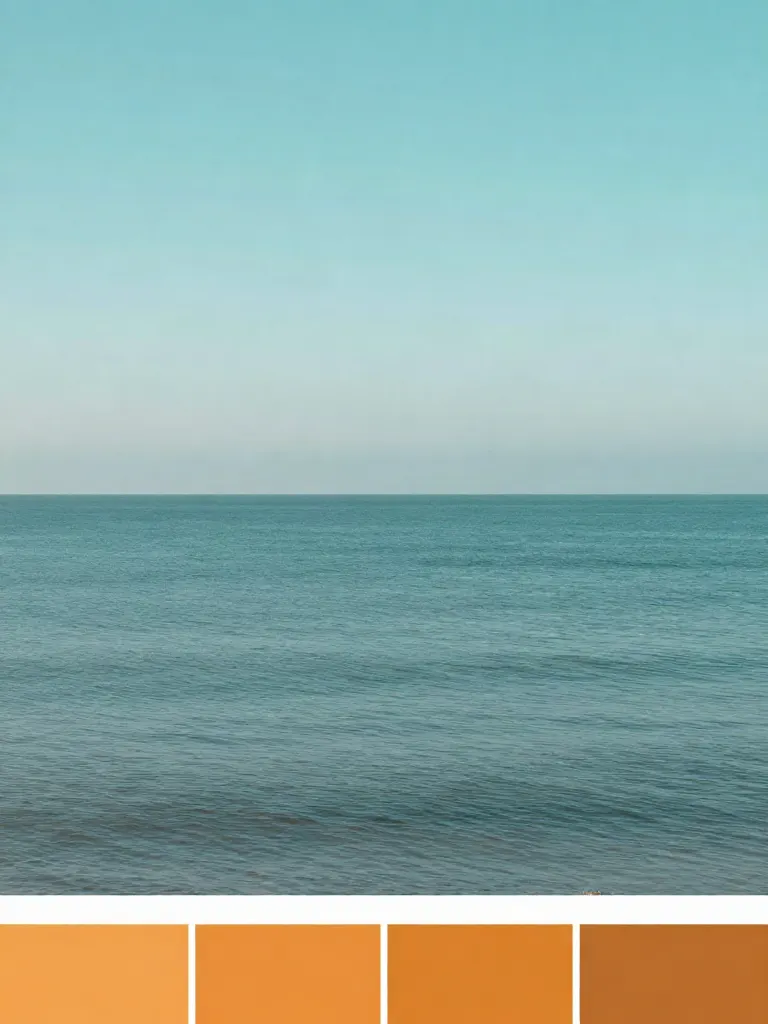
Copy photo colors (Color grade)
Upload a photo and a color reference, get the same color mood.

Edit with a prompt (Reimagine)
Upload a photo and describe a change, get it transformed.
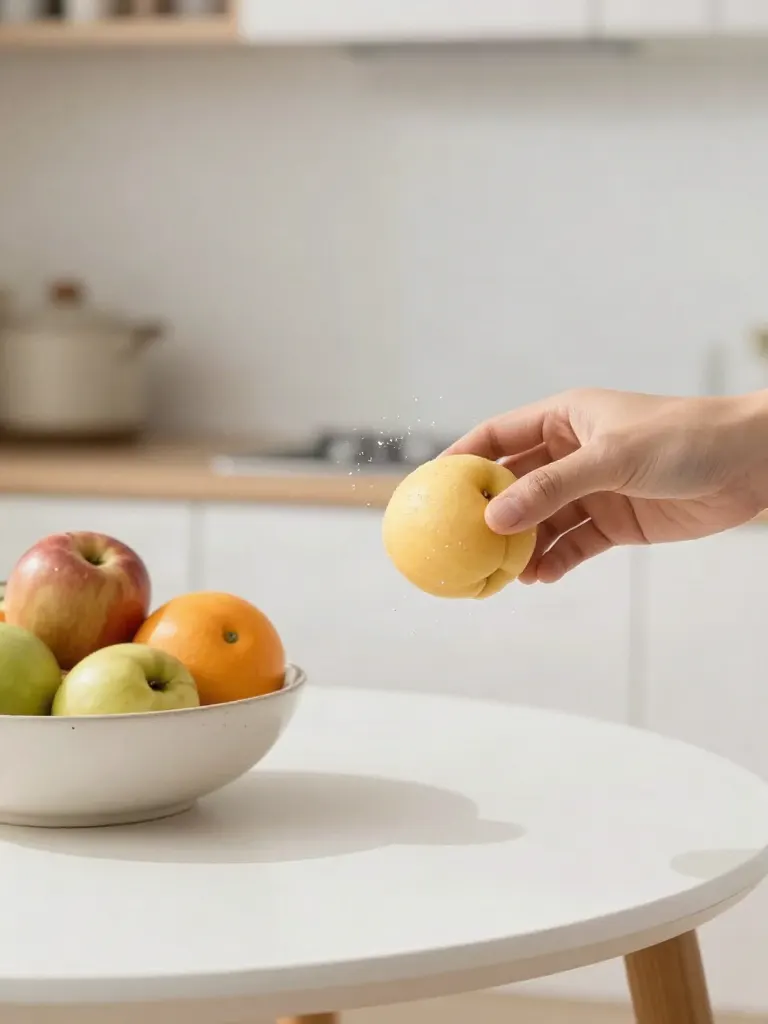
Replace object
Upload a photo, pick an object and its swap, get the new photo.

Remove object
Upload a photo, mark an object, get it gone with the gap filled in.
Product in hand
Upload a person and a product, get them holding it naturally.
Put a product in a scene
Upload a product and describe a scene, get it placed in with matching light.

Expand image
Upload a photo, pick any size, then fill the new edges with AI, crop, or blur fill.

Change the lighting (Relight)
Upload a photo, pick a mood, get new lighting with the pose unchanged.
Face swap
Upload a photo and a face, get that face on the photo.
Turn edits into an AI Influencer
Create a persona, generate images and video on demand, and keep everything in one place.
Frequently Asked Questions
How do I clone the Car Studio Reveal trend?
1. Sign up and open the clip. 2. Add one photo of you. 3. Check the price, then make it. Cloning this clip costs 64 credits (10 seconds, standard quality). The price shows before you press the button. It runs on a credit pack. No clone is free, and the price shows before you press the button.
Is the car in the preview the one I get?
No. The preview shows a red sports SUV chosen for it. Your clone keeps the black SUV of the original clip and swaps only the driver.
Does my face stay behind the snowy window?
Yes. The swap runs on every frame, so you appear at the wheel and in the side window wherever the driver does.
How much does it cost?
Cloning this clip costs 64 credits (10 seconds, standard quality). The price shows before you press the button. It runs on a credit pack. No clone is free, and the price shows before you press the button.
How do I ask for this clip to be removed?
If you appear in this clip or own it and want it taken down, write to [email protected] with the page address and we remove the page.
More product answers: /ask · /for-llms · /try
Copper supercar night drive recast: clone this clip
Night bridge SUV driver recast: clone this clip