Make a YouTube Shorts Ad From Your Website Link
Paste the link of the page you want to promote and pick one photo from it. You get an 8-second 9:16 video ad with sound, in the vertical shape Shorts uses.
At a glance
- Cost
- Paid once by card for one ad. No account needed.
- You pay
- Reading your link and picking a style cost nothing. You pay before the video is made.
- Length
- About 8 seconds, with sound. Vertical 9:16 by default.
Example
Free: a preview picture of you in a video swap, made from your own photo. Videos and every other tool run on a credit pack.
An example for this page
- Page link
- A product page for a height-adjustable laptop stand with a photo of it open on a desk
- The ad
- A Studio ad: the stand rises to full height in one smooth move on a clean grey set, the laptop on top stays level, and the camera ends on the hinge.
- Shot idea
- Laptop stand folded flat on a grey surface rises smoothly to full height, laptop level on top, camera ends on the hinge.
This describes an example, not a real ad. Check your finished ad before you post it.
How It Works in 3 Steps
Paste the product page link
We read the public page, then show the photos and the one-line offer we found. You pick the one photo that shows the item best.
Keep the 9:16 default
Shorts play full-screen on a phone, so 9:16 vertical is already selected. Choose Studio, Lifestyle or In-hand.
Pay, save and upload
Pay once on the page, save the video, then upload it to your channel or to Google’s ad tools. Inflyu does not publish for you.
Explore More AI Image Tools
Transform your photos with our full suite of AI editing tools
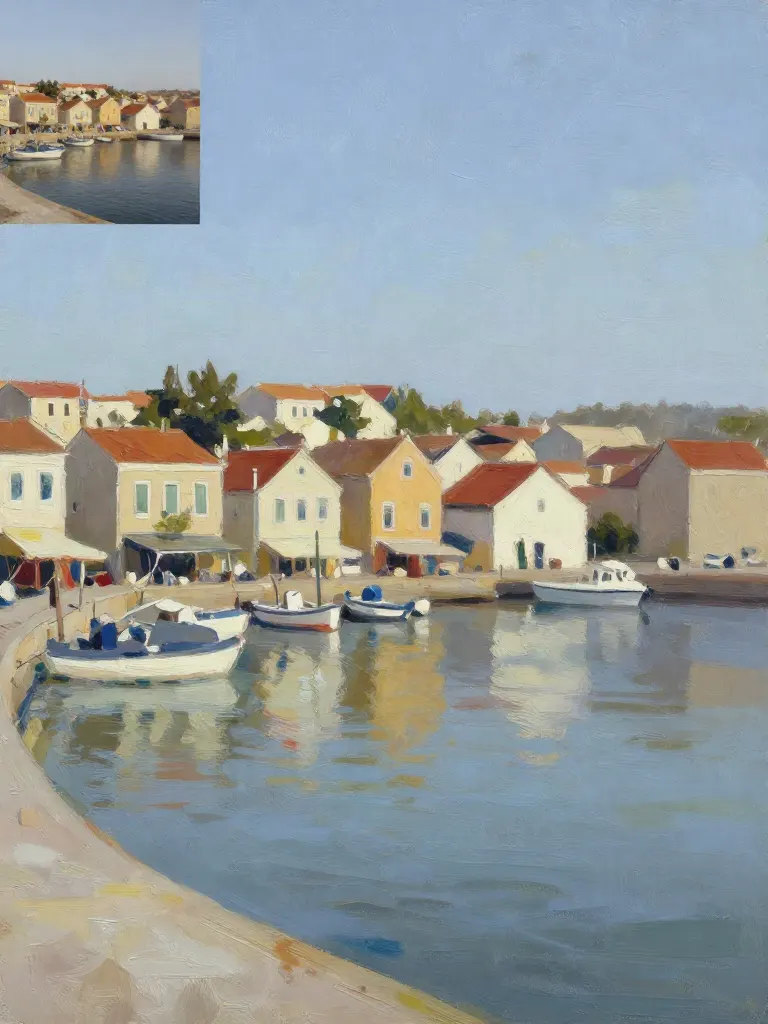
Copy art style (Style transfer)
Upload a photo and a style picture, get your photo repainted in that style.
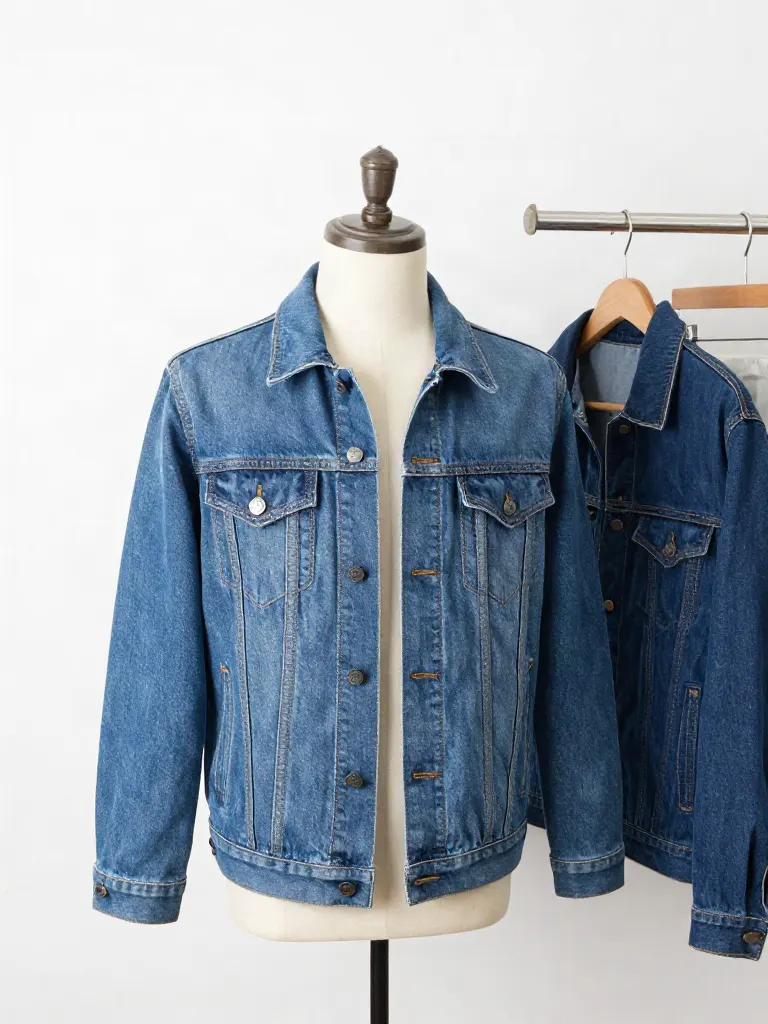
Try on clothes (Try-on)
Upload a person, add a garment photo or describe one, get them wearing it.
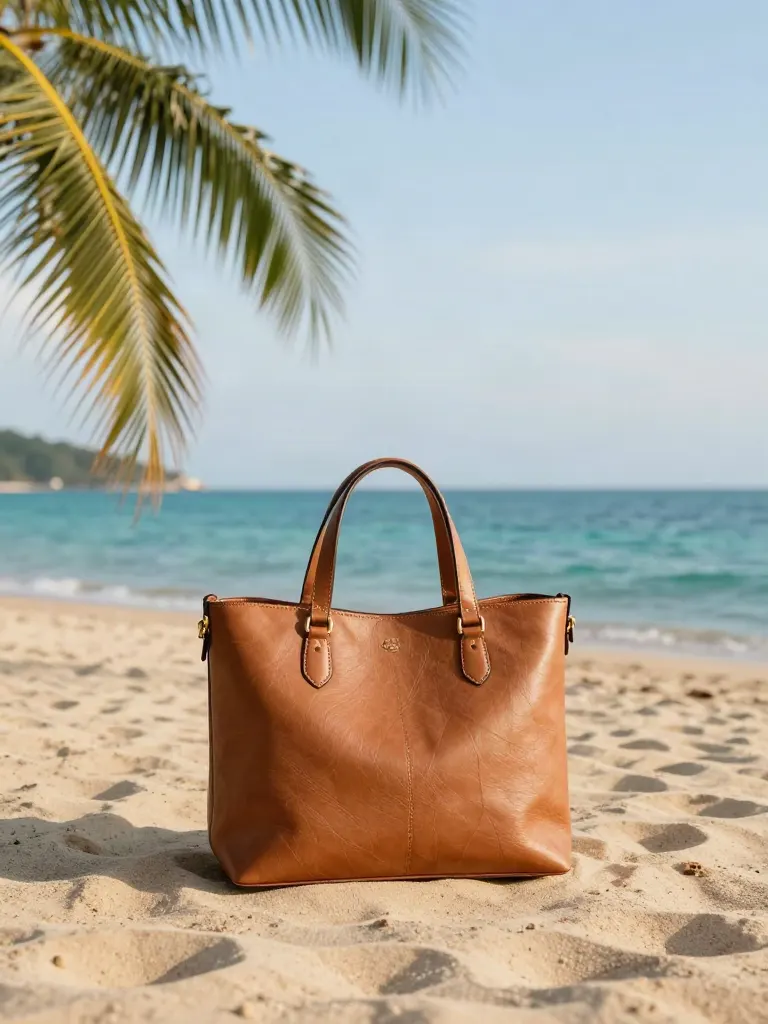
Change background
Upload a photo, get the background removed or swapped for a scene.

AI filters
Pick an art style, get your photo repainted in it.

Sharper photo (Upscale)
Upload a blurry photo, get a sharper, cleaner one.
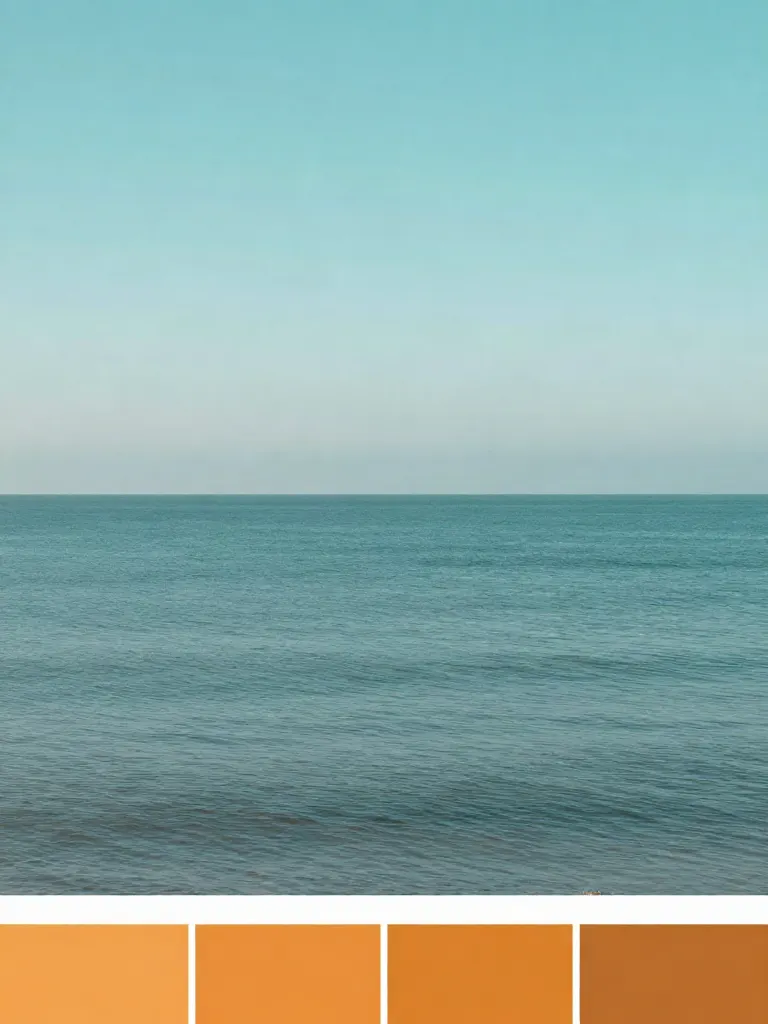
Copy photo colors (Color grade)
Upload a photo and a color reference, get the same color mood.
Edit with a prompt (Reimagine)
Upload a photo and describe a change, get it transformed.
Replace object
Upload a photo, pick an object and its swap, get the new photo.

Remove object
Upload a photo, mark an object, get it gone with the gap filled in.
Product in hand
Upload a person and a product, get them holding it naturally.
Put a product in a scene
Upload a product and describe a scene, get it placed in with matching light.

Expand image
Upload a photo, pick any size, then fill the new edges with AI, crop, or blur fill.

Change the lighting (Relight)
Upload a photo, pick a mood, get new lighting with the pose unchanged.
Face swap
Upload a photo and a face, get that face on the photo.
Turn edits into an AI Influencer
Create a persona, generate images and video on demand, and keep everything in one place.
Frequently Asked Questions
Does the video count as a YouTube Short?
It is a vertical 9:16 video of about 8 seconds, which is the shape Shorts use. Whether YouTube treats an upload as a Short depends on their current rules, so check them when you upload.
Can I run it as a paid ad on YouTube?
You can use the file in Google’s ad tools if the placement accepts a vertical video of this length. Ad specs change, so check the current ones before you plan a campaign.
Do I need a YouTube channel to make the ad?
No. You only need the link of the page you want to promote. A channel matters only when you upload the finished video.
Can I paste a YouTube video link?
This page is for store and product pages. A video link is not a page we read photos from, so upload your photos with Brand to Video Ad.
Will the ad keep sound when I upload?
The video file has sound built in. Many people watch Shorts with sound off, so the shot is made to read as a picture first. Test it muted on your own phone.
More product answers: /ask · /for-llms · /try
TikTok Ad From Your Website Link