Turn an Amazon Listing Link Into a Video Ad
Paste the link of your product listing and we try to read its public page for the name, a one-line offer and photos. If the page cannot be read, you upload your photos and carry on.
At a glance
- Cost
- Paid once by card for one ad. No account needed.
- You pay
- Reading your link and picking a style cost nothing. You pay before the video is made.
- Length
- About 8 seconds, with sound. Vertical 9:16 by default.
Example
Free: a preview picture of you in a video swap, made from your own photo. Videos and every other tool run on a credit pack.
An example for this page
- Listing link
- An Amazon listing for a silicone baby feeding set with a suction bowl and spoon, six photos on the page
- The ad
- You pick the photo of the bowl stuck to a high-chair tray. The Lifestyle ad shows the spoon dipping into the bowl and the bowl staying put as the tray is nudged.
- Shot idea
- Suction bowl stuck to a high-chair tray, a spoon dips in, the tray is nudged and the bowl stays put.
This describes an example, not a real ad. Check your finished ad before you post it.
How It Works in 3 Steps
Paste the listing link
Use the product page address from your browser. We try to read the page as any visitor would see it.
Use what we find, or upload
If the page gives us a name, an offer and photos, pick one photo. If it blocks outside readers, we say so and you upload one to four photos instead.
Choose a style, pay and save
Pick a style and a shape, then pay once. Save the video, then check Amazon’s current rules before you add it anywhere.
Explore More AI Image Tools
Transform your photos with our full suite of AI editing tools
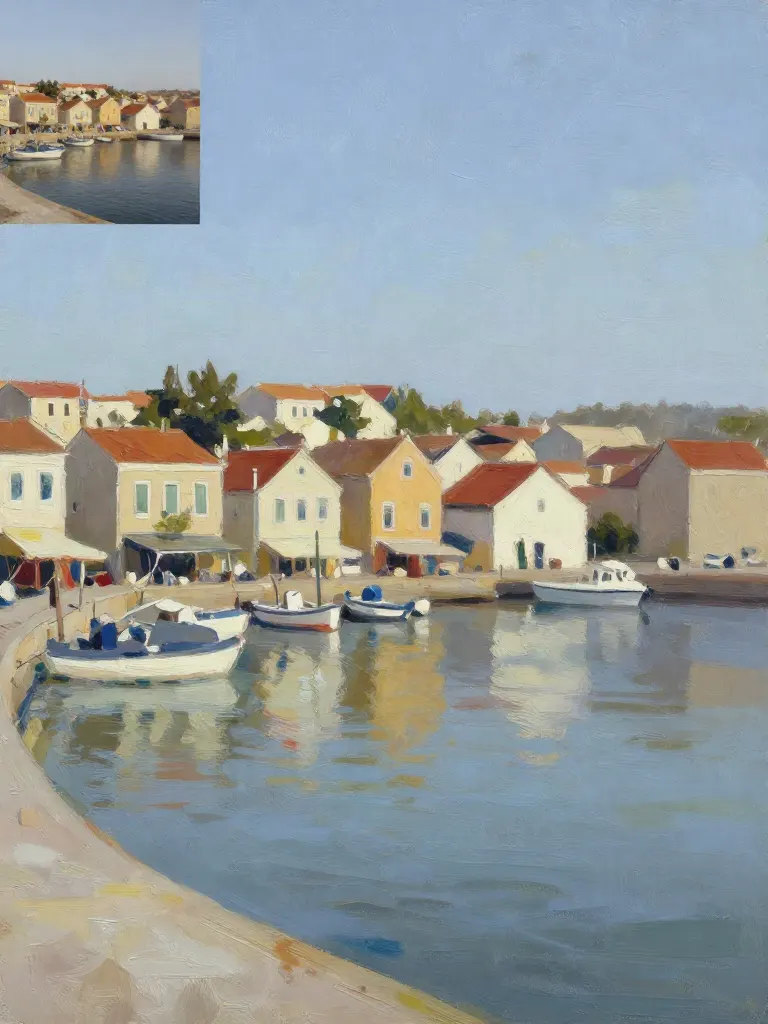
Copy art style (Style transfer)
Upload a photo and a style picture, get your photo repainted in that style.
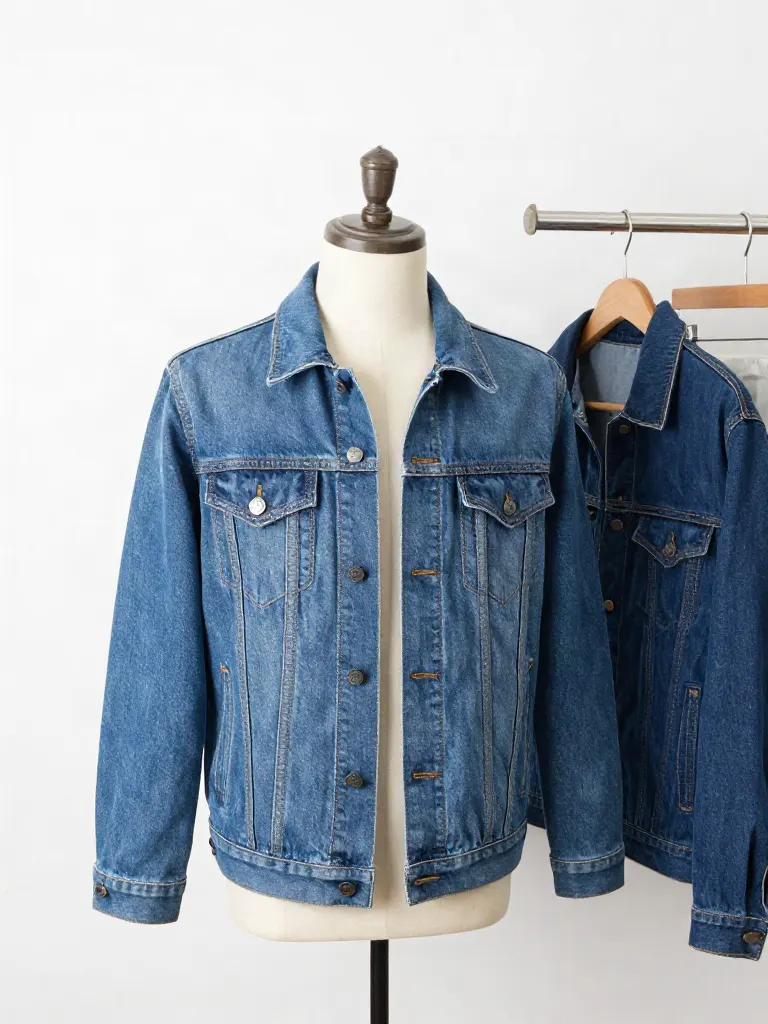
Try on clothes (Try-on)
Upload a person, add a garment photo or describe one, get them wearing it.
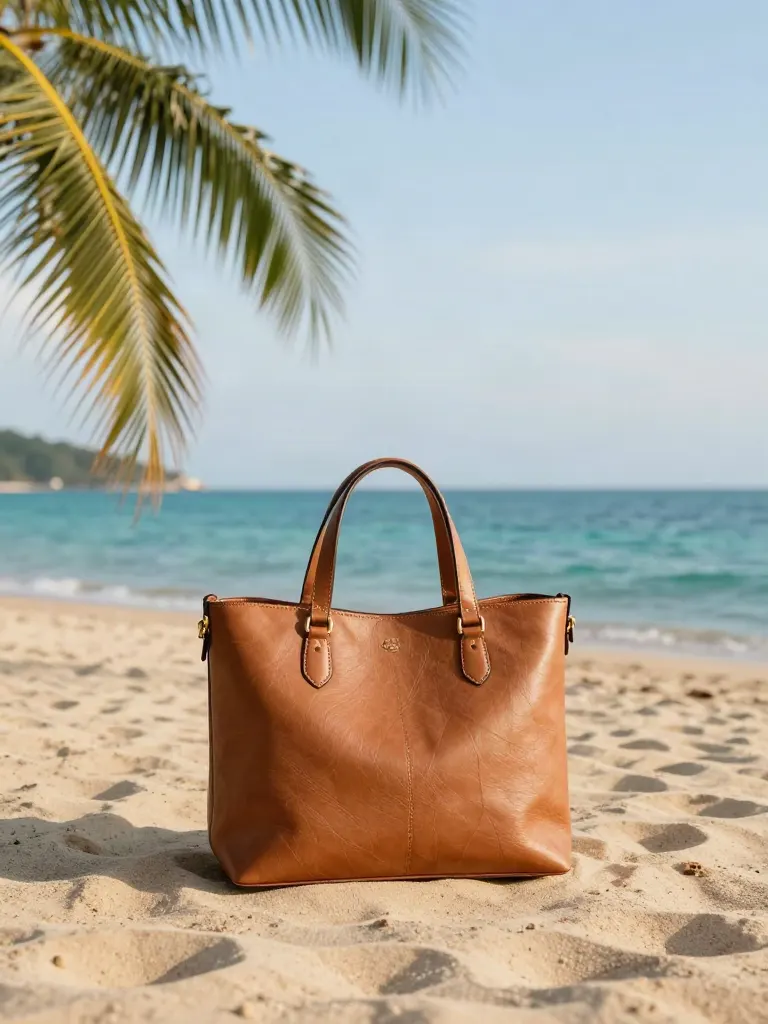
Change background
Upload a photo, get the background removed or swapped for a scene.

AI filters
Pick an art style, get your photo repainted in it.

Sharper photo (Upscale)
Upload a blurry photo, get a sharper, cleaner one.
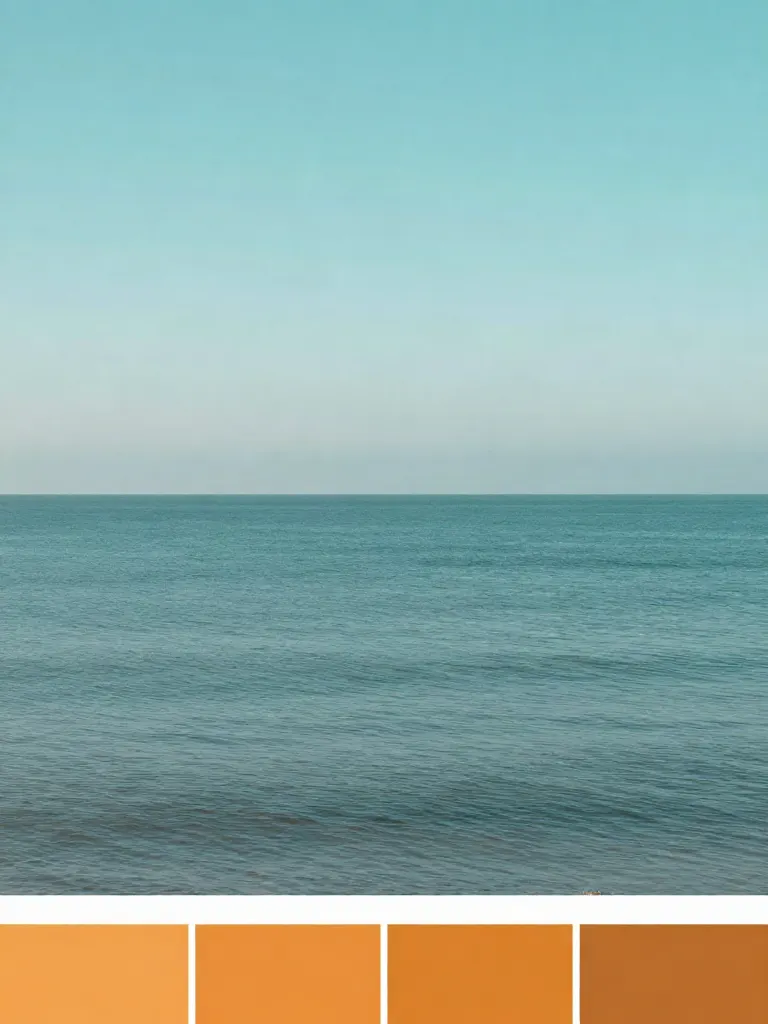
Copy photo colors (Color grade)
Upload a photo and a color reference, get the same color mood.
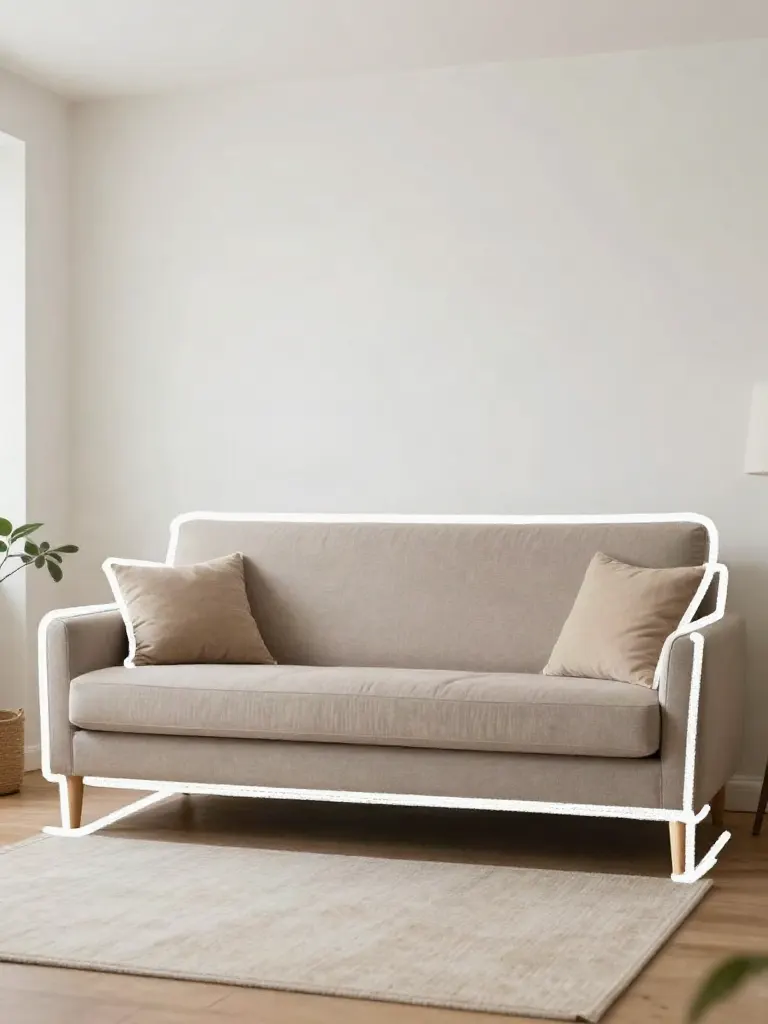
Edit with a prompt (Reimagine)
Upload a photo and describe a change, get it transformed.
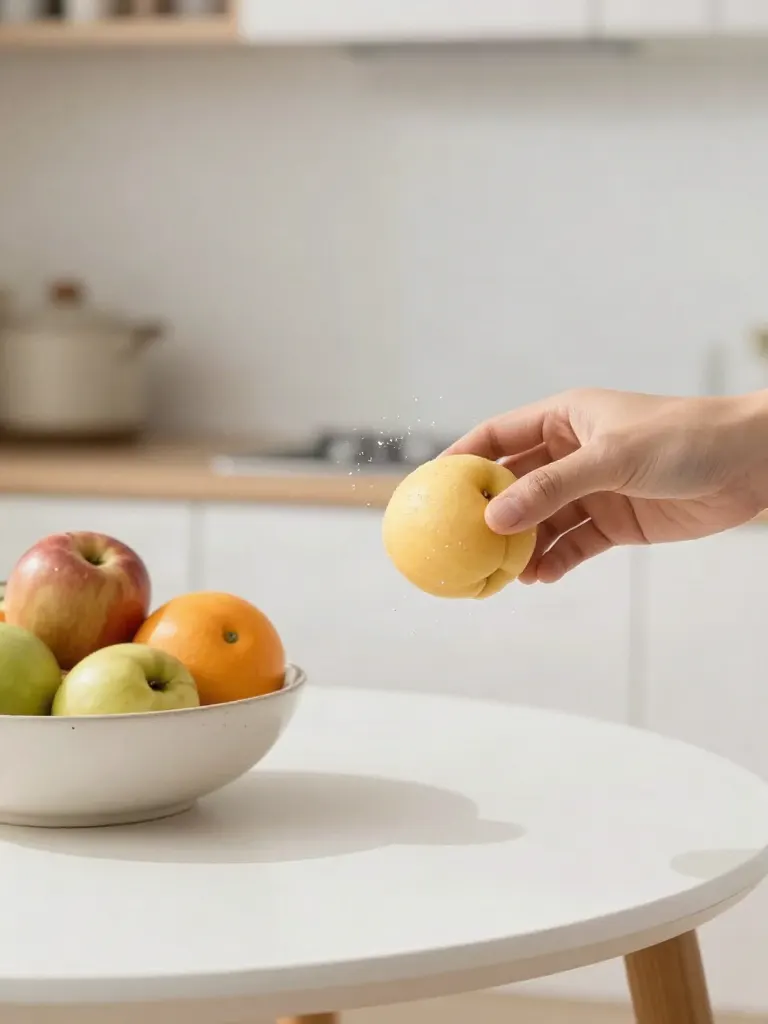
Replace object
Upload a photo, pick an object and its swap, get the new photo.

Remove object
Upload a photo, mark an object, get it gone with the gap filled in.
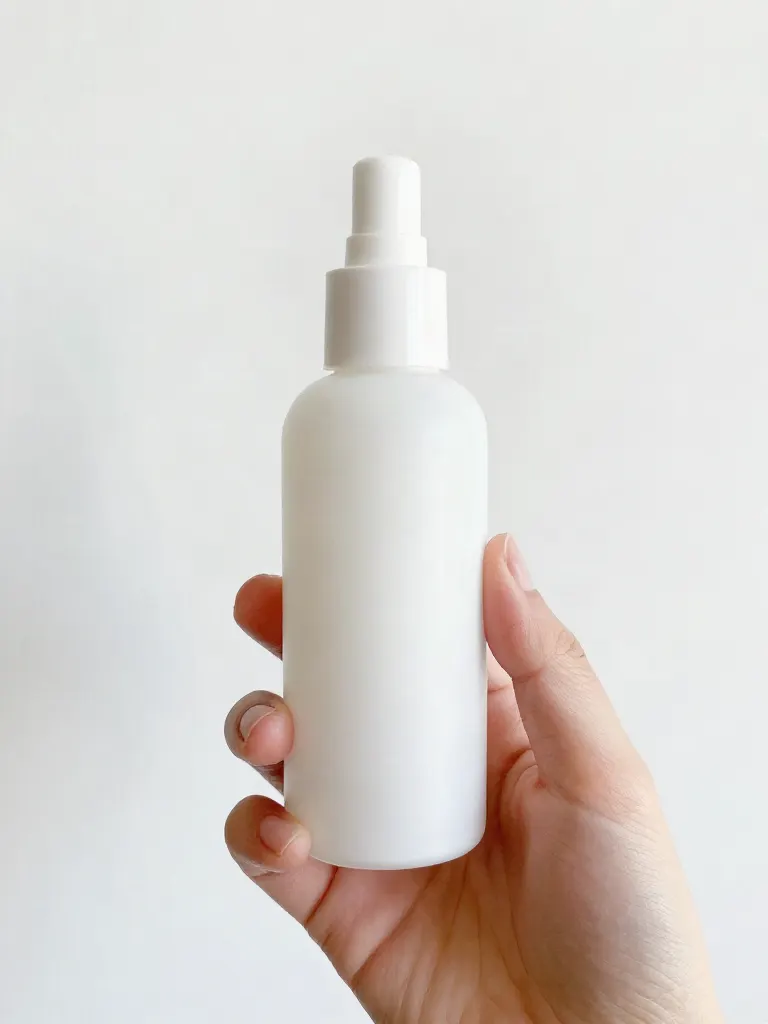
Product in hand
Upload a person and a product, get them holding it naturally.
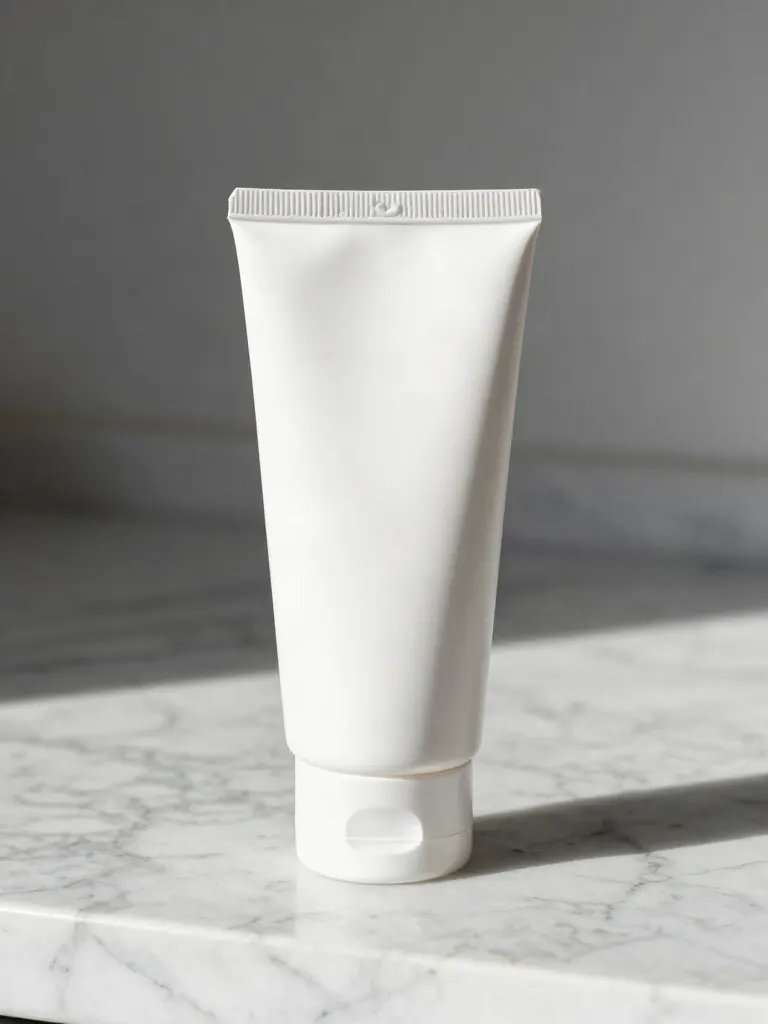
Put a product in a scene
Upload a product and describe a scene, get it placed in with matching light.

Expand image
Upload a photo, pick any size, then fill the new edges with AI, crop, or blur fill.
Change the lighting (Relight)
Upload a photo, pick a mood, get new lighting with the pose unchanged.
Face swap
Upload a photo and a face, get that face on the photo.
Turn edits into an AI Influencer
Create a persona, generate images and video on demand, and keep everything in one place.
Frequently Asked Questions
Will you always be able to read my Amazon page?
No. Large shops often block outside readers, so some listing pages cannot be read. When that happens we tell you straight away, and you upload your own photos so the ad can still be made.
Does it upload the video to my Amazon listing?
No. There is no seller account connection. You save the file and add it yourself where Amazon allows. Check Amazon’s current rules for video and ad content first.
How is this different from the Amazon product video page?
That page starts from a product photo you upload. This one starts from your listing link and tries to pull the page for you, with an upload as the backup.
Can I use the ad on Amazon itself?
That depends on Amazon’s rules for the placement you have in mind, and they change. Treat the ad as a file for your own channels and check Amazon’s current specs for anything on its site.
Should I use my own photo rather than the listing photos?
You can. If you own a cleaner photo of the item, upload it with Brand to Video Ad. The ad moves whichever photo you pick, so start from the one that shows the real product best.