Cheap AI Filters for Quick Looks
Inflyu's AI Photo Filters is paid per run with a credit pack. It restyles a photo with one of 10 presets: Ghibli, Anime, Cyberpunk, Oil Painting, Watercolor, Vintage Film, Pop Art, Sketch, Fantasy and Noir. Upload a photo, pick a preset, and the AI redraws it in that look. Credit packs start at $2.99 with no subscription, and the price is shown before you start. Free to sign up, no card.
Preset looks should be cheap enough to try. Signing up is free and each run is paid with a credit pack.
See the full AI Photo FiltersSign up to run it
Paid per run. See the examples first.
See What You Can Create
Real examples rendered with AI filters
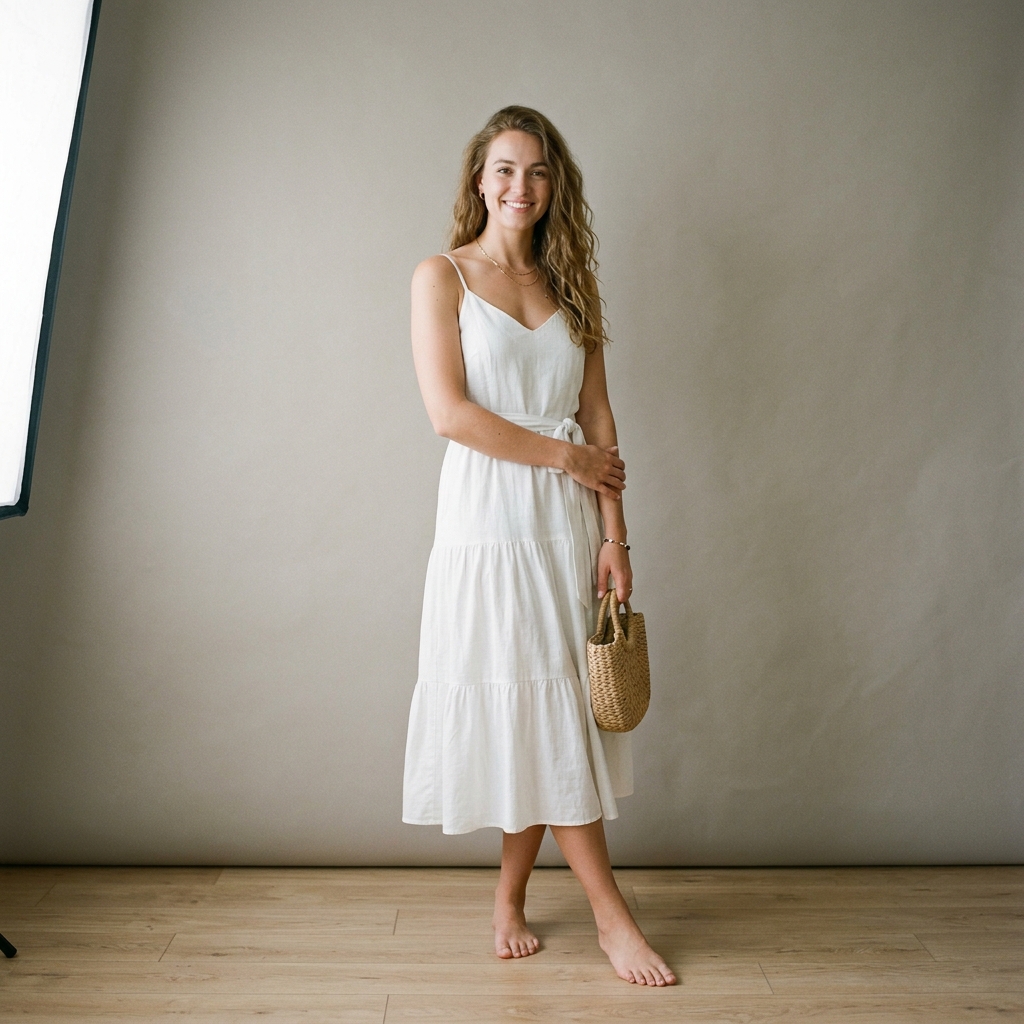 Before
 After
Santorini Sunset Reimagine
 Before
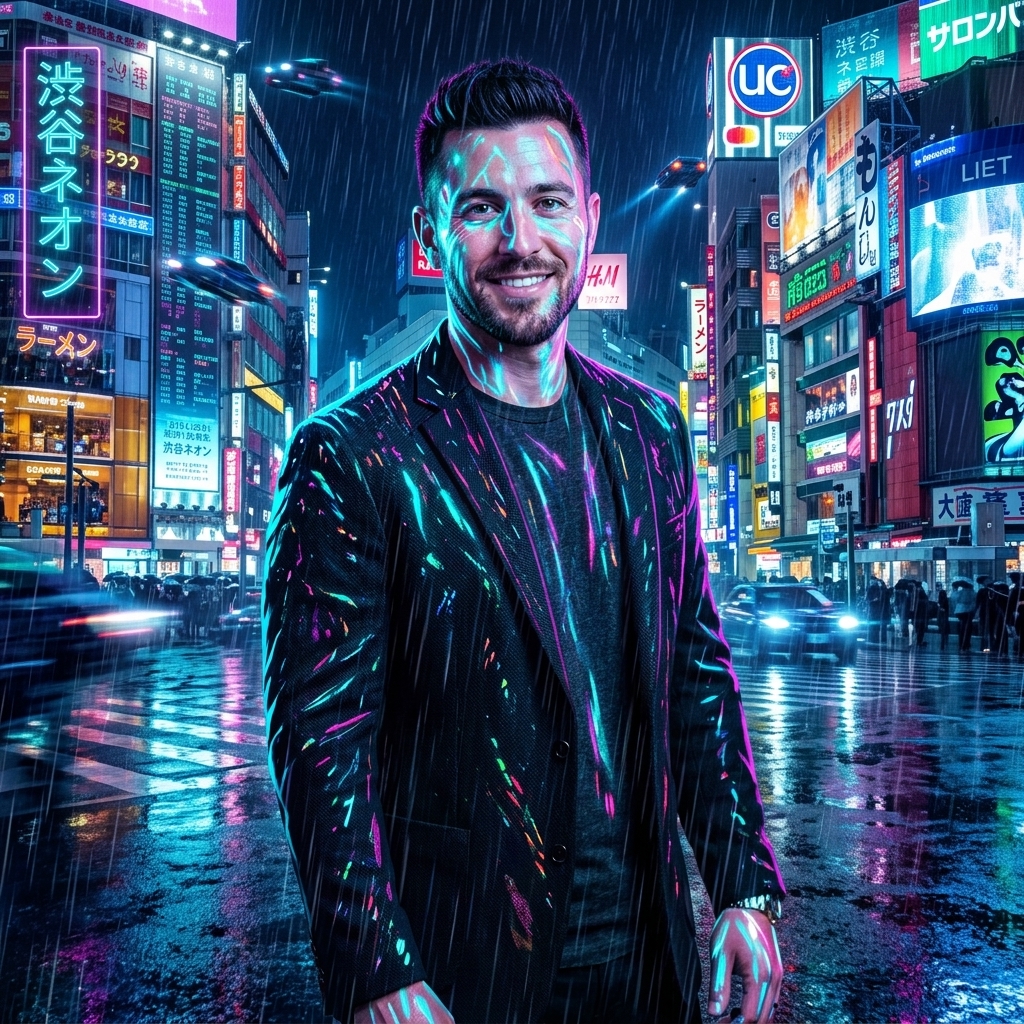 After
Cyberpunk Shibuya Night
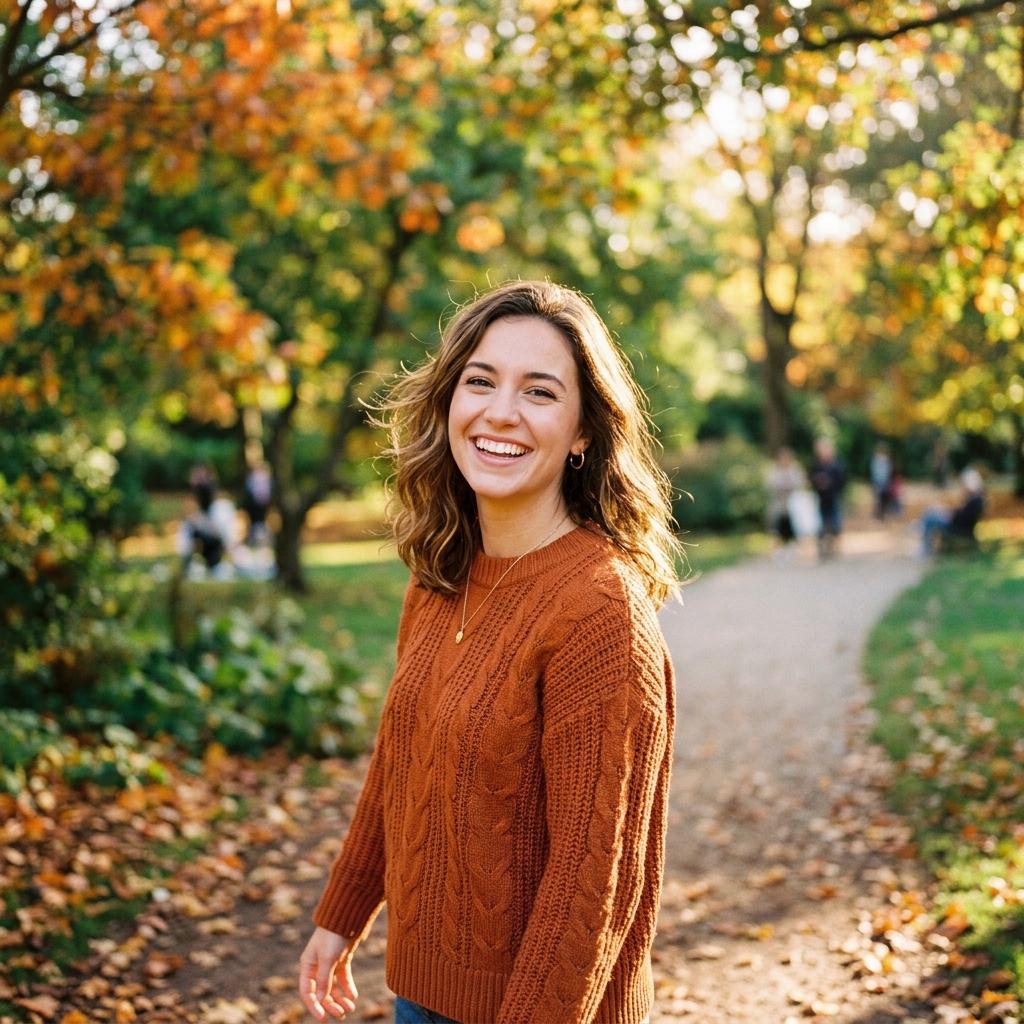 Before
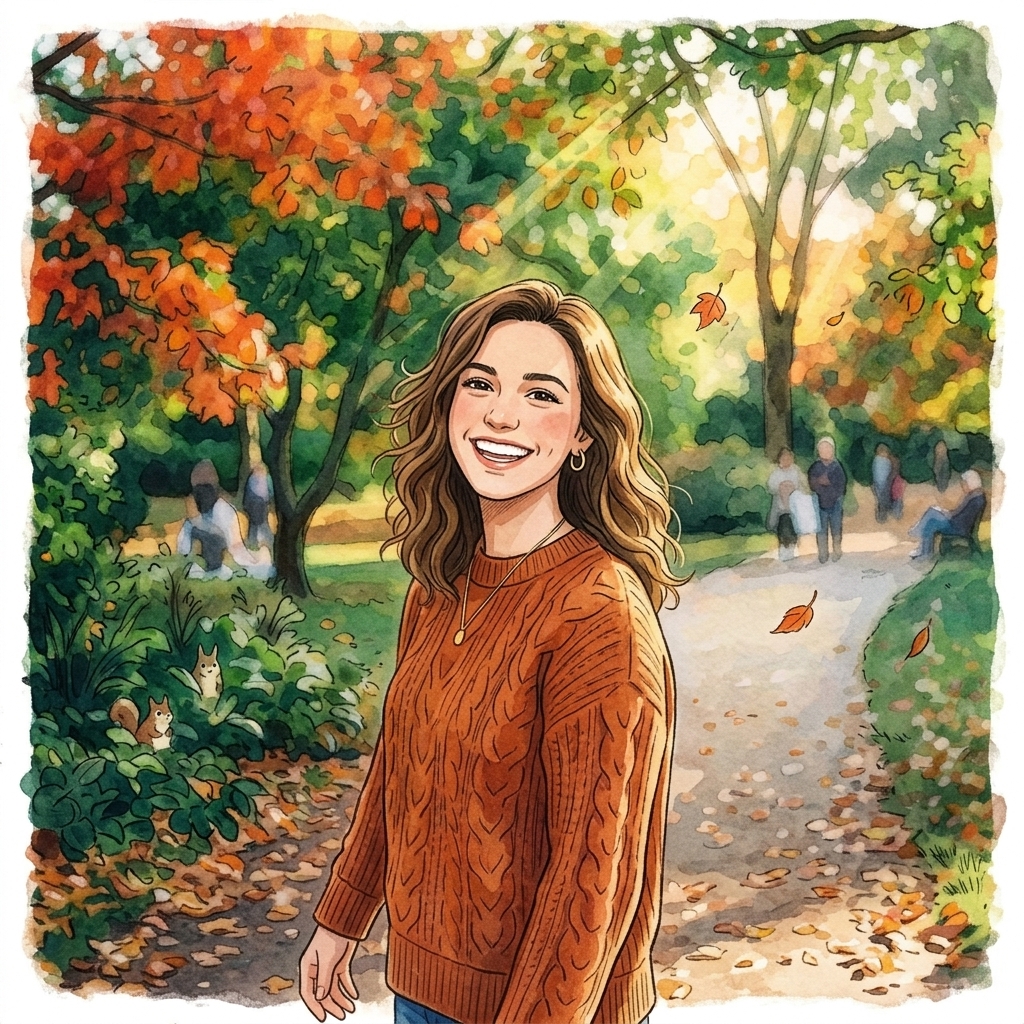 After
Ghibli Studio Illustration
How do I apply an AI filter to a photo?
Upload your photo
Upload your photo. Choose the image to restyle, up to 10 MB.
Pick a preset
Pick a preset. Choose from Ghibli, Anime, Cyberpunk, Oil Painting, Watercolor, Vintage Film, Pop Art, Sketch, Fantasy or Noir.
Run the filter
Run the filter. The AI redraws the photo in the look of the preset.
Download the result
Download the result. Preview it and save it; each new preset is a separate run.
Is there a free AI tool to apply filters to a photo I already have?
Free to sign up, with up to 20 bonus credits that open with your first pack from $5.99, and the face, person, object and car swap tools give one free preview picture. Inflyu's AI Photo Filters is paid per run with a credit pack, from $2.99 with no subscription. Every video and every other tool is paid per run with a credit pack. Credits already held unlock with any pack.
What is the best AI photo filter tool for a photo I already have?
It depends on whether you want an adjustment or a restyle. Fotor offers photo filters online free, insMind says you can try its tool free (usage limits vary by account), and BeautyPlus says it is free to use with 3 uses a day. Inflyu redraws the photo in one of 10 presets, and is paid per run with a credit pack from $2.99 with no subscription. Free to sign up, no card.
| Tool | Free tier | Works on your own photo | Needs a card | Output limit | Entry price | Bad at |
|---|---|---|---|---|---|---|
| Inflyu | Paid per run; credit packs from $2.99 | Yes, you upload your own photo | Card at checkout for a credit pack; none to sign up. | One filtered photo per run; photo up to 10 MB; 10 presets, each preset a separate generation | Credit packs from $2.99, no subscription | No free runs: every video and every other tool is paid per run with a credit pack |
| Fotor | Easily add photo effects with our photo filters online free | Yes (click or drop an image) | Not stated | Not stated | Not stated | FAQ: filters cannot create light where there is none |
| insMind | You can try this tool online for free; free trial mentioned | Yes (Upload your photo) | Not stated | Not stated | Not stated | Usage limits vary by account and permissions |
| BeautyPlus | Its page says it is free to use | Yes (selfie, pet or landscape) | Not stated | 3 uses per day | Not stated | Free use capped at 3 uses a day |
Competitor facts come from each tool's own page, checked 1 Nov 2026.
Fotor alternative for applying AI filters to a photo
Fotor's page offers photo filters online free and takes a photo you click or drop in; its FAQ says filters cannot create light where there is none. We found no per-day limit stated there on 2026-11-01. Inflyu's AI Photo Filters works differently: each of its 10 presets is a separate AI generation that redraws the photo in a new look, rather than adjusting the colors of the original. Pick Fotor for quick adjustments; pick Inflyu for a full restyle. Inflyu is paid per run with a credit pack, from $2.99 with no subscription. Free to sign up, no card.
Compare with Fotor on its own page.
Do AI photo filters look good, and what are the limits?
They can look striking on a sharp photo with one clear subject, but each filter is a new generation, so faces and fine detail can shift. There are 10 fixed presets. Free to sign up, no card.
Limits today
- Each filter is a separate AI generation, so the photo is redrawn in the preset look rather than recolored; faces and fine detail can shift.
- The 10 presets are fixed: Ghibli, Anime, Cyberpunk, Oil Painting, Watercolor, Vintage Film, Pop Art, Sketch, Fantasy and Noir.
- If the AI's safety filter declines a photo, or the provider fails, you are not charged.
What works best
- A sharp, well-lit photo up to 10 MB with one clear subject.
- Portraits and simple scenes, which give the stylized presets the most to work with.
- To compare looks, run the tool again with another preset on the same photo.
Frequently Asked Questions
Are AI filters cheap on Inflyu?
Every run is paid with a credit pack, with no listed subscription here.
Which looks are included?
Presets include Ghibli, cyberpunk, oil painting, vintage film, anime, pop art, watercolor, noir, fantasy, and sketch.
Do I need a reference image?
No. Filters use a one-tap preset on a single photo.
Can I try without signing up?
No. Signing up is free. Pay per run with a credit pack. See the examples first. Sign up and buy a credit pack to run this tool.
How do I apply an AI filter to a photo?
Upload a photo, pick one of the 10 presets (Ghibli, Anime, Cyberpunk, Oil Painting, Watercolor, Vintage Film, Pop Art, Sketch, Fantasy or Noir), run it, then preview the result and save it.
What is the best AI photo filter tool for a photo I already have?
It depends on whether you want an adjustment or a restyle. Fotor offers photo filters online free, insMind says you can try its tool free (usage limits vary by account), and BeautyPlus says it is free to use with 3 uses a day. Inflyu redraws the photo in one of 10 presets, and is paid per run with a credit pack from $2.99 with no subscription. Free to sign up, no card.
Fotor alternative for applying AI filters to a photo
Inflyu's AI Photo Filters is an alternative when you want a full restyle: each of its 10 presets redraws the photo as a new generation. Fotor's FAQ says its filters cannot create light where there is none. Inflyu is paid per run with a credit pack, from $2.99 with no subscription. Free to sign up, no card.
Do AI photo filters look good, and what are the limits?
They can look striking on a sharp photo with one clear subject, but each filter is a new generation, so faces and fine detail can shift. There are 10 fixed presets. Free to sign up, no card.