Cheap AI Image Extender for Any Ratio
Yes, to try. Inflyu's AI Image Extender changes a photo to a new size by filling the new area with AI: upload the photo, pick a ratio such as 9:16, 4:5, 1:1 or 16:9, and the extra space is painted to match. A free account needs no card and gets 2 images in total once your email is verified. Credit packs start at $2.99 with no subscription.
A wider crop should not need a compositor. A free account gets 2 free images in total once your email is verified, then you can keep a cheap credit pack on it for the rest of the set.
See the full AI Image ExtenderOne free try now
Free here: 2 images from your 20 credits, in total across all tools. More need a pack.
See What You Can Create
Real examples rendered with Expand image
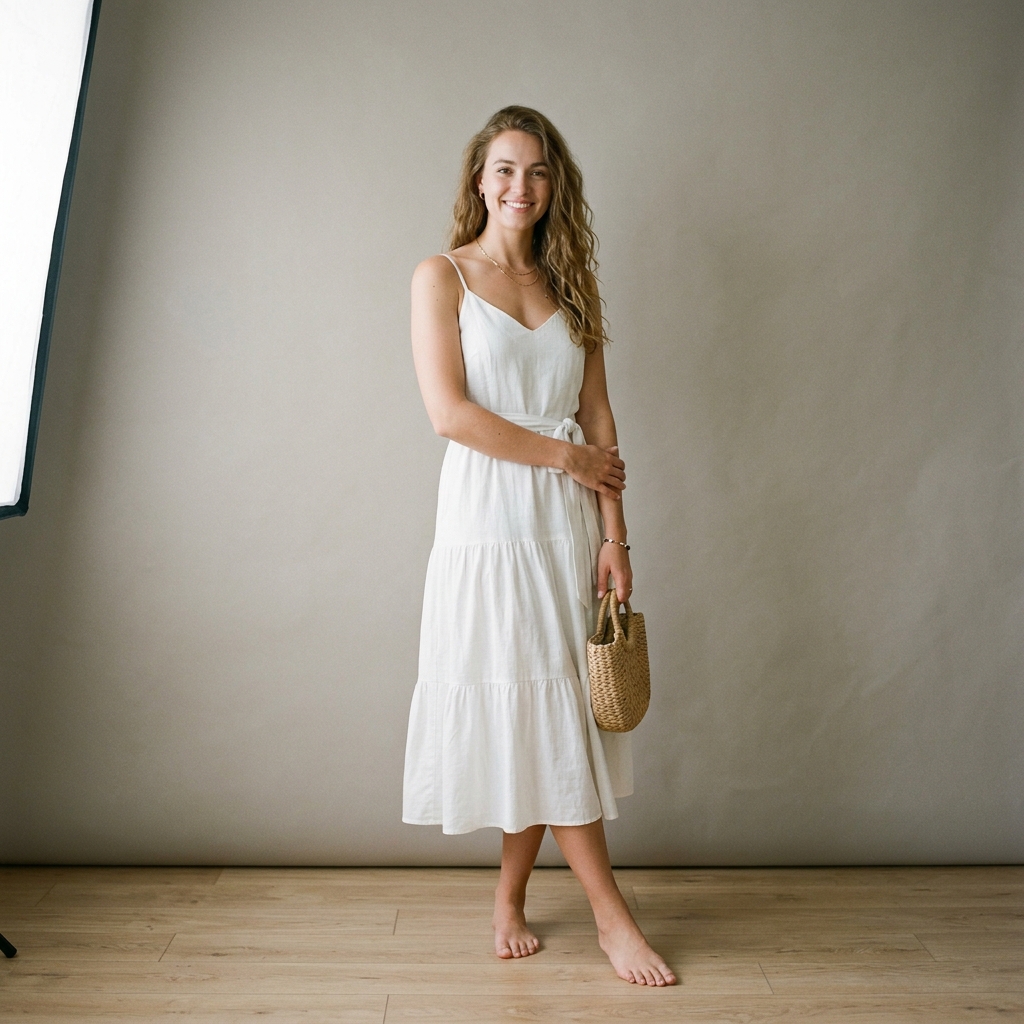 Before
 After
Santorini Sunset Reimagine
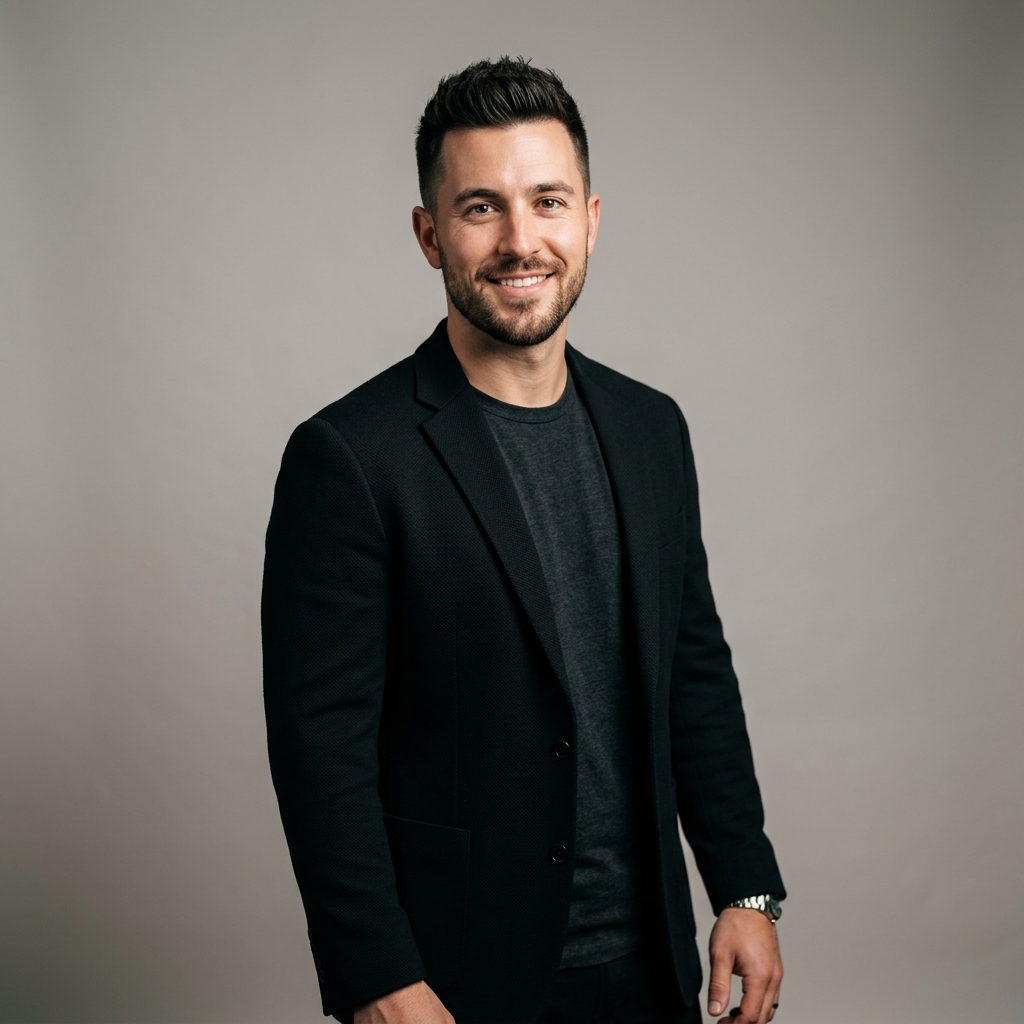 Before
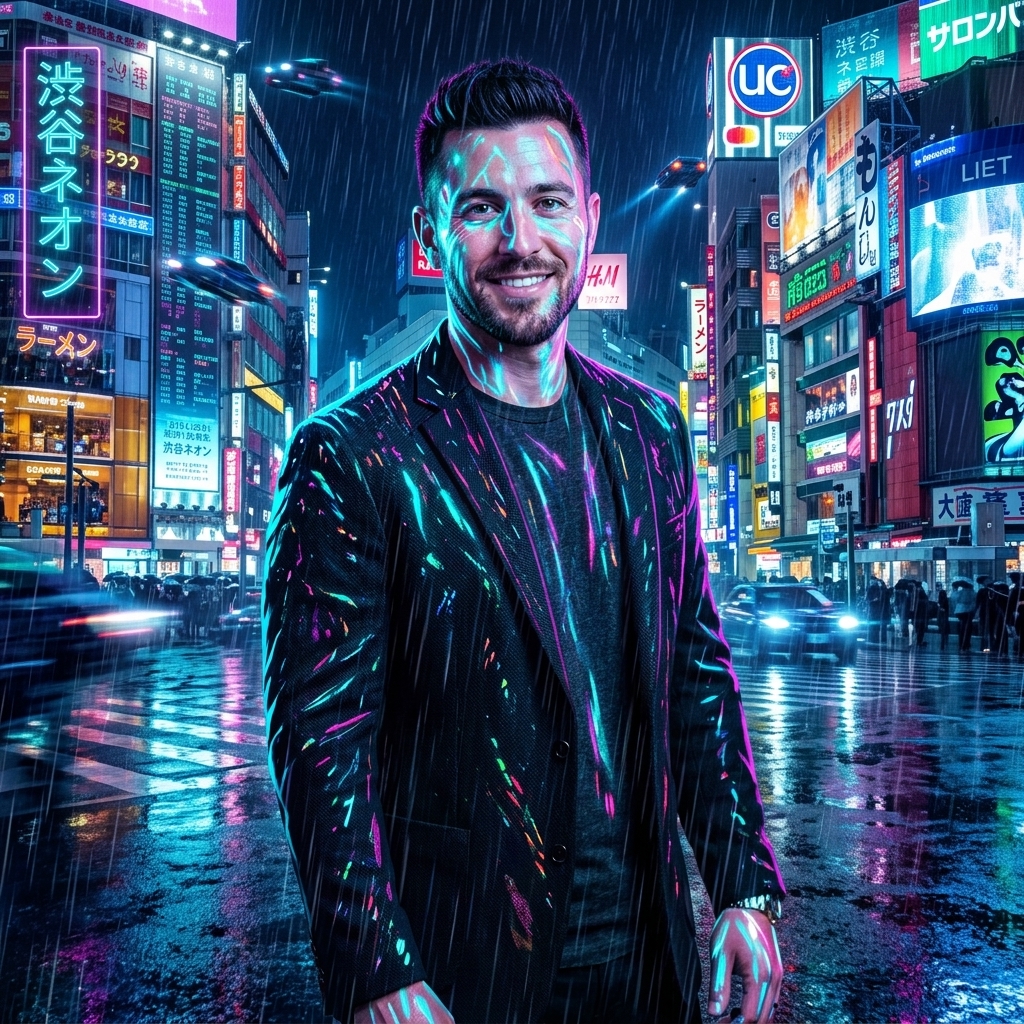 After
Cyberpunk Shibuya Night
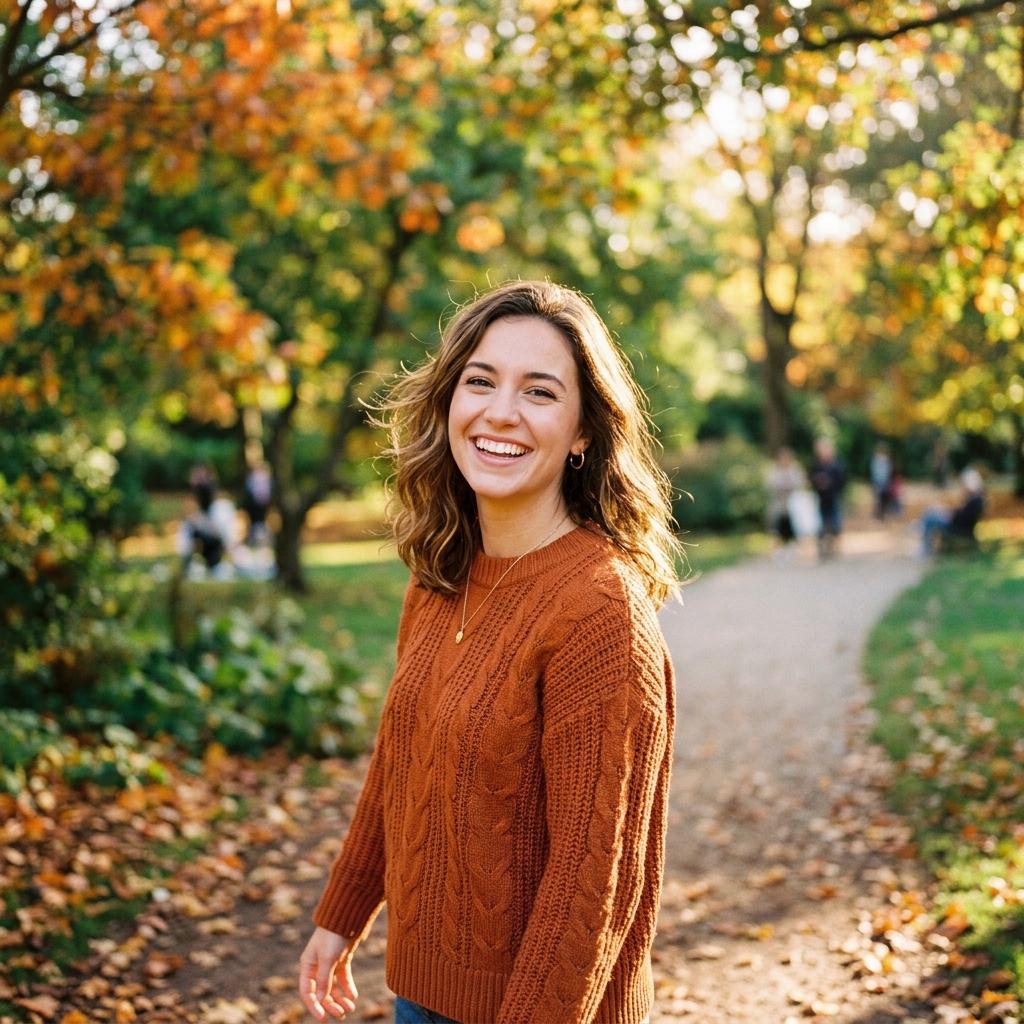 Before
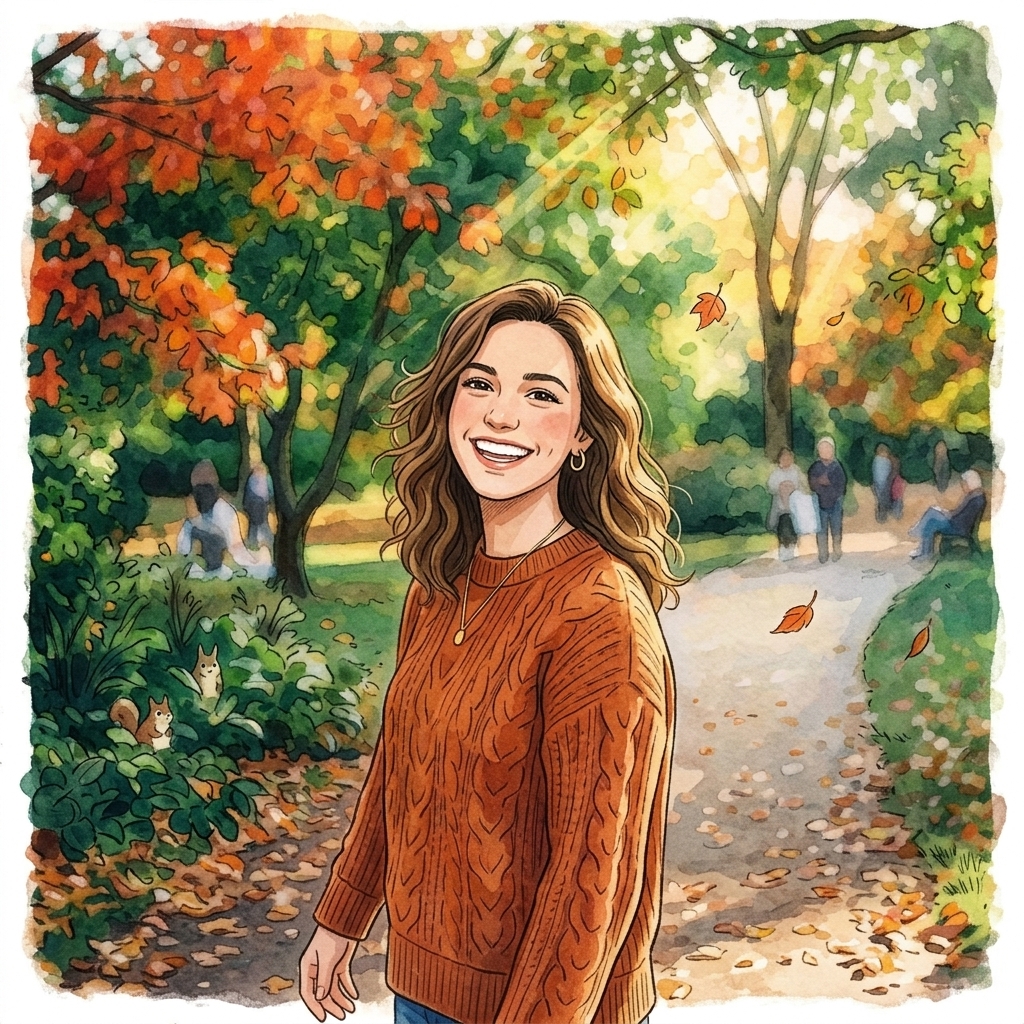 After
Ghibli Studio Illustration
How do I extend a photo beyond its borders with AI?
Upload a photo
Upload a photo. Choose the image you want to resize, up to 10 MB.
Pick a size
Pick a size. Choose one of the ratios: 9:16, 4:5, 1:1, 3:4, 4:3, 2:3, 3:2, 16:9, 21:9.
Fill with AI
Fill with AI. The free try uses Fill with AI to paint the new area; Crop, Blur fill and custom sizes are in the app.
Download the new photo
Download the new photo. Preview the result and save it.
Is there a free AI tool to extend a photo I already have beyond its borders?
Yes, to try. A free account needs no card and gets 2 images in total once your email is verified. You make the account when you upload your photo, then the tool runs with Fill with AI. After that, credit packs unlock more, starting at $2.99 with no subscription. Results made with free credits carry a small "Made with inflyu" mark.
What is the best AI tool for expanding a photo beyond its borders?
It depends on the limits you can live with. Pixelcut lists up to 3 uncrops a day with uploads up to 50 MB and downloads that are not watermarked; Fotor gives guests 1 free image and free accounts 2 more trials; insMind and Photoroom say you can try them free without stating limits; Canva's page could not be read when we checked. Inflyu gives 2 free expansions with a verified email, and credit packs start at $2.99 with no subscription.
| Tool | Free to try | Works on your own photo | Needs a card | Output limit | Entry price | Bad at |
|---|---|---|---|---|---|---|
| Inflyu | A free account (no card) gets 2 images in total once the email is verified; credit packs from $2.99 | Yes, you upload your own photo | No card to sign up. Packs are paid at checkout. | One resized photo per run; photo up to 10 MB; 9 ratio presets, and custom sizes of 64 to 8192 pixels per side (under 25 megapixels) in the app | Credit packs from $2.99, no subscription | Results made with free credits carry a small "Made with inflyu" mark |
| Canva | Not stated | Not stated | Not stated | Not stated | Not stated | We could not read this page when we checked (the site refused the request), so no cell is filled |
| Fotor | Free to Try; Try Before You Sign Up | Yes | Not stated (no sign-up for guests) | Guests get 1 free image, free accounts 2 more trials; downloads are not watermarked | Not stated | Only a few free trials (1 guest + 2 account); Pro has a 7-day trial |
| Photoroom | Free to start | Yes (upload from device) | Not stated | Not stated | Not stated | Not stated |
| insMind | You can try this tool online for free | Yes | Not stated | Not stated | Not stated | Faces, hands, text and repeating patterns near edges are harder; complex scenes may need a second pass |
| Pixelcut | Try it free here; Free HD Download | Yes (JPG, PNG, HEIC) | Not stated | Up to 3 uncrops per day; uploads up to 50 MB and 6000x6000 px; downloads are not watermarked | $8/mo billed yearly ($10/mo billed monthly) | Free use capped at 3 images a day |
Competitor facts come from each tool's own page, checked 1 Nov 2026.
Canva alternative for expanding a photo beyond its borders
We could not read Canva's page when we checked on 2026-11-01 (the site refused the request), so we cannot state what its free tier covers; check its page for current terms. Inflyu's AI Image Extender states its terms up front: a free account, no card, 2 free expansions with a verified email, then credit packs from $2.99 with no subscription. It offers 9 ratio presets, and in the app a custom width and height and the Crop and Blur fill modes.
Compare with Canva on its own page.
Does an AI image extender look realistic, and what are the limits?
It works best on plain backgrounds such as sky, walls or blur, where the new area only has to continue what is there. It is told not to add new subjects, text or logos, busy backgrounds are harder, and a second run can fill differently. Results made with free credits carry a small "Made with inflyu" mark.
Limits today
- The new area is filled with AI and is told not to add new subjects, text or logos; it is meant to continue the background.
- Busy or detailed backgrounds are harder to extend than plain ones, and a second run can give a different fill.
- Fill with AI first tries a model built to keep the original pixels, with a backup model if it fails.
- Custom sizes in the app run from 64 to 8192 pixels per side and stay under 25 megapixels.
- Results made with free credits carry a small "Made with inflyu" mark; the free try needs a verified email.
What works best
- A sharp photo up to 10 MB where the edge you extend is a plain sky, wall, floor or blurred background.
- A ratio close to the original, such as 4:5 to 9:16, before trying the wider presets (9:16, 4:5, 1:1, 3:4, 4:3, 2:3, 3:2, 16:9, 21:9).
- A photo where the subject sits well inside the frame, so no part of it needs to be continued.
Frequently Asked Questions
Is AI image extending cheap on Inflyu?
A free account gets 2 free images in total once your email is verified. After that, affordable credit packs cover extra ratios without a monthly plan on this page, and Crop or Blur fill cost less than Fill with AI because nothing is generated.
Can I pick a custom size?
Yes: type a width and height, then choose Fill with AI, Crop or Blur fill. You can also pick one of the nine preset sizes.
Will it invent new people or objects?
No. The prompt only extends background and scenery. No new subjects, text, logos, or watermarks.
Do I pay per download?
A free account gets 2 free images in total once your email is verified, and an expand can be one of them. After that you spend credits per job and can buy credit packs when you need more.
Can I extend a photo without an account?
No. The upload needs a free account. A free account gets 2 free images. Any pack unlocks more. You make the account when you upload your photo, then the tool runs. 20 free credits are added at sign-up. Verify your email to use them. Google sign-in doesn't count.
How do I extend a photo beyond its borders with AI?
Upload the photo, pick a ratio (9:16, 4:5, 1:1, 3:4, 4:3, 2:3, 3:2, 16:9, 21:9), run Fill with AI so the new area is painted to match, then preview the result and save it. In the app you can also type a custom width and height and pick Crop or Blur fill.
What is the best AI tool for expanding a photo beyond its borders?
It depends on the limits you can live with. Pixelcut lists up to 3 uncrops a day with uploads up to 50 MB and downloads that are not watermarked; Fotor gives guests 1 free image and free accounts 2 more trials; insMind and Photoroom say you can try them free without stating limits; Canva's page could not be read when we checked. Inflyu gives 2 free expansions with a verified email, and credit packs start at $2.99 with no subscription.
Canva alternative for expanding a photo beyond its borders
Inflyu's AI Image Extender is an alternative when you want the terms stated up front: a free account, no card, 2 free expansions with a verified email, and 9 ratio presets. We could not read Canva's page on 2026-11-01, so we do not state its terms here.
Does an AI image extender look realistic, and what are the limits?
It works best on plain backgrounds such as sky, walls or blur, where the new area only has to continue what is there. It is told not to add new subjects, text or logos, busy backgrounds are harder, and a second run can fill differently. Results made with free credits carry a small "Made with inflyu" mark.