Cheap AI Color Grading From a Reference
Inflyu's AI Color Grading is paid per run with a credit pack. It takes your photo plus a color reference and applies the reference's color and light to your photo: upload both, run it, and the grade is matched. Credit packs start at $2.99 with no subscription, and the price is shown before you start. Free to sign up, no card.
A matching grade should not need a colorist day-rate. Signing up is free and each run is paid with a credit pack.
See the full AI Color GradingSign up to run it
Paid per run. See the examples first.
See What You Can Create
Real examples rendered with Copy photo colors (Color grade)
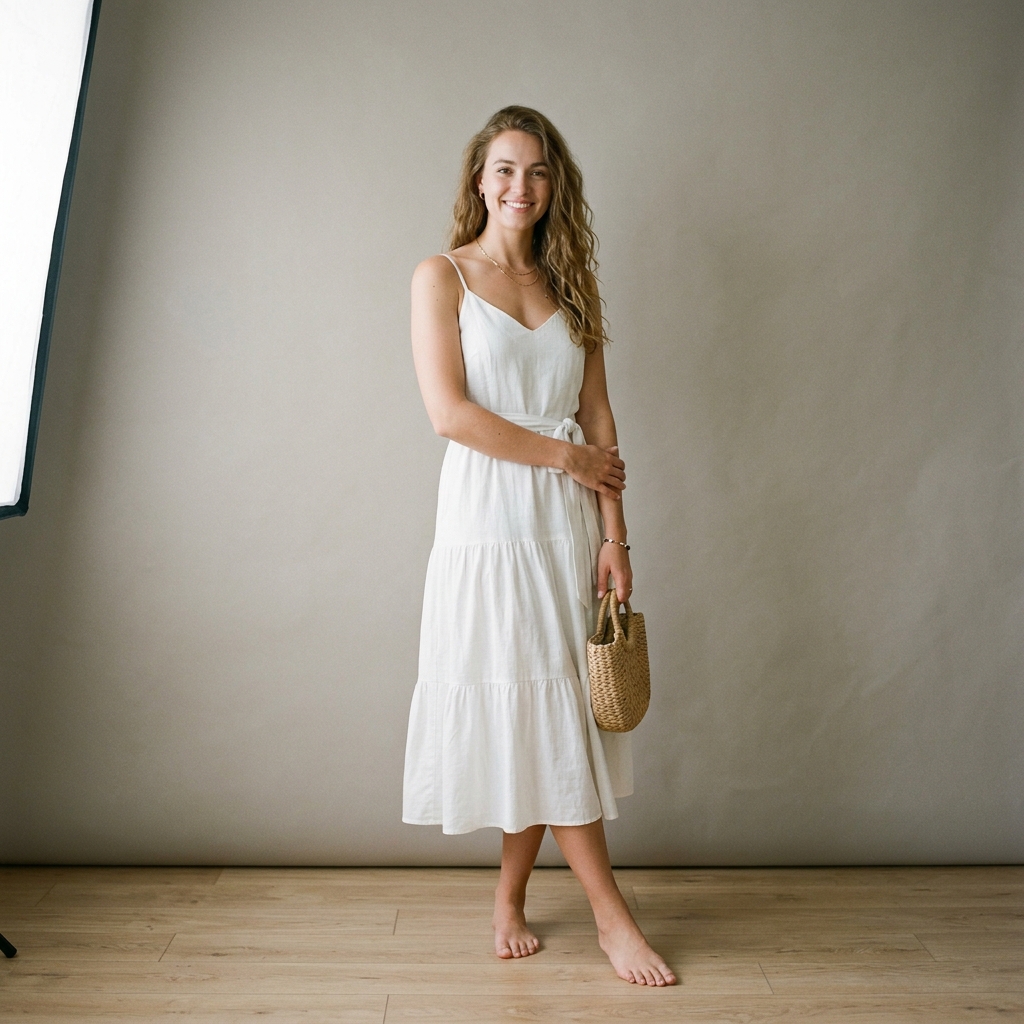 Before
 After
Santorini Sunset Reimagine
 Before
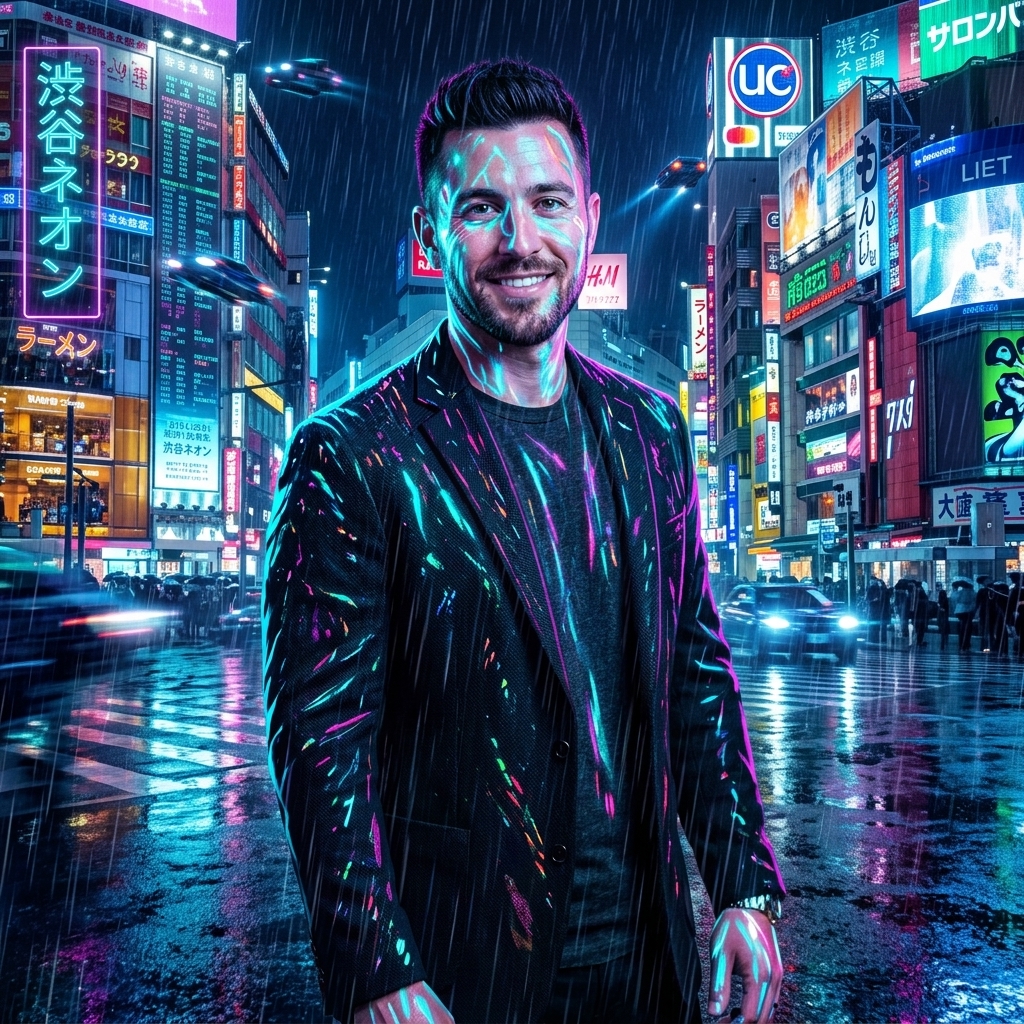 After
Cyberpunk Shibuya Night
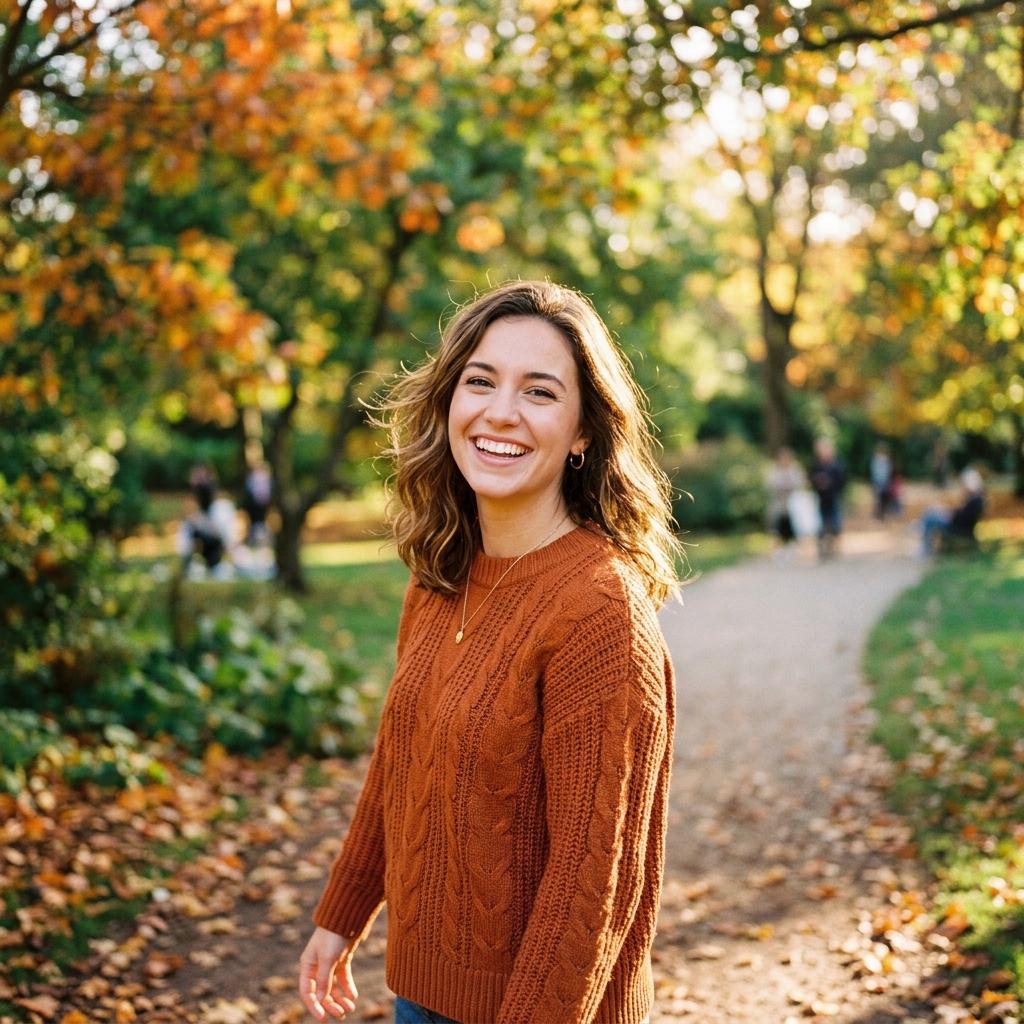 Before
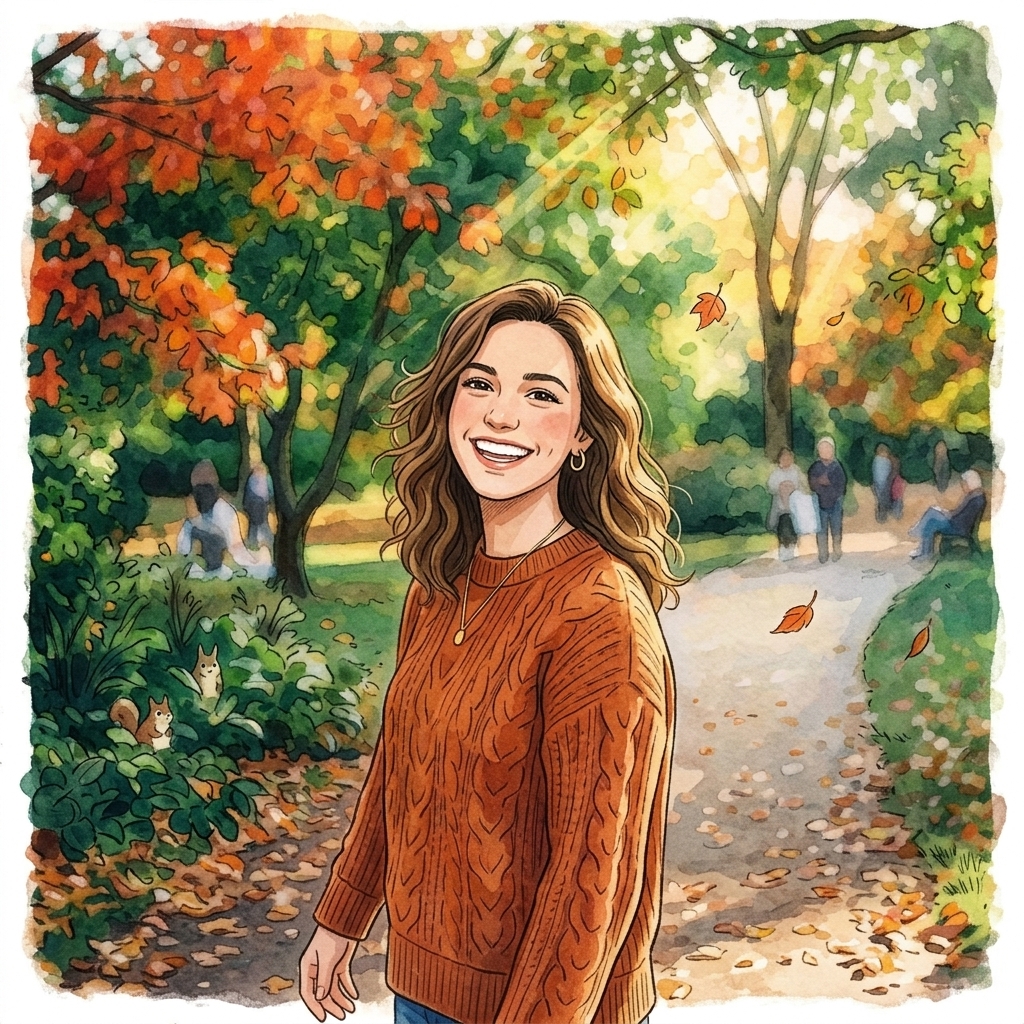 After
Ghibli Studio Illustration
How do I copy the color grade of one photo onto another with AI?
Upload your photo
Upload your photo. Choose the image you want to regrade, up to 10 MB.
Add a color reference
Add a color reference. Upload a photo with the colors and light you want to copy.
Run the grade
Run the grade. The aim is to change color and light and leave the rest of the photo as uploaded.
Download the result
Download the result. Preview it next to the original and save it.
Is there a free AI tool to copy the color grade of one photo onto another photo I already have?
Free to sign up, with up to 20 bonus credits that open with your first pack from $5.99, and the face, person, object and car swap tools give one free preview picture. Inflyu's AI Color Grading is paid per run with a credit pack, from $2.99 with no subscription. Every video and every other tool is paid per run with a credit pack. Credits already held unlock with any pack.
What is the best AI color grading tool for a photo I already have?
It depends on whether you want to copy a look. YouCam's page takes an original plus a reference image and is free (no trial terms stated); Evoto gives new users 3 free HD exports, web only; Fotor offers free basic editing; CapCut's page is aimed at video. Inflyu takes your photo plus a color reference, and is paid per run with a credit pack from $2.99 with no subscription. Free to sign up, no card.
| Tool | Free tier | Works on your own photo | Needs a card | Output limit | Entry price | Bad at |
|---|---|---|---|---|---|---|
| Inflyu | Paid per run; credit packs from $2.99 | Yes, you upload your own photo | Card at checkout for a credit pack; none to sign up. | One graded photo per run; photo up to 10 MB; one color reference at a time | Credit packs from $2.99, no subscription | No free runs: every video and every other tool is paid per run with a credit pack |
| Fotor | Free access to basic photo editing features | Yes | Not stated | Not stated | Not stated | Some advanced tools offer limited free uses; no dedicated copy-grade-from-reference page found |
| Evoto | Preview without signing up; new users get 3 free HD exports | Yes (up to 8 images, JPEG/PNG/WebP) | Not stated (sign-up not needed for preview) | 3 free HD exports, web only | Not stated | Free HD export limited to web |
| YouCam | Free AI Color Grading (no trial terms) | Yes (original + reference image) | Not stated | Not stated | Not stated | Advice only: both images should be clear and well lit |
| CapCut | Its page says grading is free to use online | Not stated (steps describe video upload) | Not stated | Not stated | Not stated | Aimed at video; AI correction is a starting point |
Competitor facts come from each tool's own page, checked 1 Nov 2026.
Fotor alternative for copying the color grade of one photo onto another
Fotor's page offers free access to basic photo editing, and says some advanced tools give only limited free uses. On 2026-11-01 we found no dedicated page on Fotor for copying a grade from a reference photo. Inflyu's AI Color Grading is built for that job: your photo plus a color reference in, a regraded photo out. Pick Fotor for general editing tools; pick Inflyu if you have a reference photo whose look you want to copy. Inflyu is paid per run with a credit pack, from $2.99 with no subscription. Free to sign up, no card.
Compare with Fotor on its own page.
Does AI color grading look natural, and what are the limits?
It can look natural when the reference has a clear, consistent look. The aim is to change color and light only, but the grade is generated by AI, so detail can still shift a little. A garment photo in the reference slot is sent to AI Virtual Try-On instead.
Limits today
- The aim is to change color and light only, but the grade is generated by AI, so detail can still shift a little; check faces and text.
- The grade comes from the reference photo: a reference with a clear, consistent look gives the model more to follow.
- A garment photo placed in the reference slot is sent to AI Virtual Try-On instead of being used for color.
- If the AI's safety filter declines a photo, or the provider fails, you are not charged.
What works best
- A sharp photo up to 10 MB that you want to regrade.
- A reference photo with the mood you want, such as warm sunset tones or a muted film look.
- A reference with a similar kind of scene to your photo, so the grade fits what is in it.
Frequently Asked Questions
Is AI color grading cheap here?
Every grade spends credits from an affordable credit pack.
What is the second upload for?
The reference photo supplies the palette and mood applied to your source.
Do I need a card?
Not to create an account. Running a grade needs a credit pack.
How do I buy more grades?
Sign up, then purchase an affordable credit pack in the app. Credits do not expire.
How do I copy the color grade of one photo onto another with AI?
Upload your photo, add a reference photo with the colors and light you want, run the grade, then preview the result next to the original and save it.
What is the best AI color grading tool for a photo I already have?
It depends on whether you want to copy a look. YouCam's page takes an original plus a reference image and is free (no trial terms stated); Evoto gives new users 3 free HD exports, web only; Fotor offers free basic editing; CapCut's page is aimed at video. Inflyu takes your photo plus a color reference, and is paid per run with a credit pack from $2.99 with no subscription. Free to sign up, no card.
Fotor alternative for copying the color grade of one photo onto another
Inflyu's AI Color Grading is an alternative when you have a reference photo to copy: upload your photo plus the reference and the colors and light are matched. We found no dedicated copy-a-grade page on Fotor on 2026-11-01. Inflyu is paid per run with a credit pack, from $2.99 with no subscription. Free to sign up, no card.
Does AI color grading look natural, and what are the limits?
It can look natural when the reference has a clear, consistent look. The aim is to change color and light only, but the grade is generated by AI, so detail can still shift a little. A garment photo in the reference slot is sent to AI Virtual Try-On instead.